



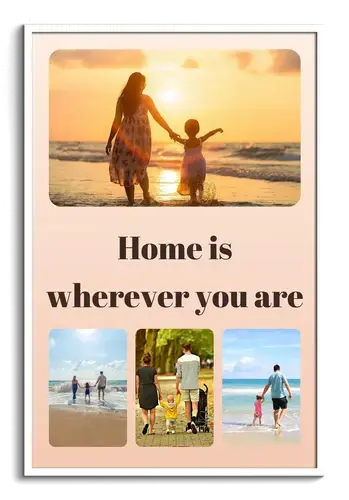
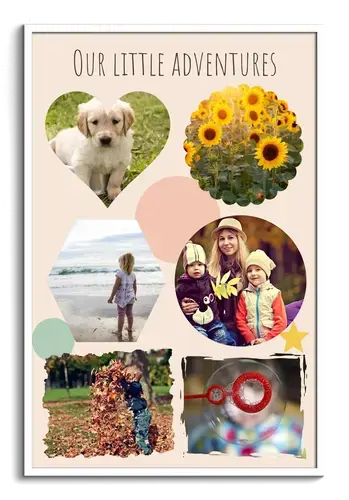

More than fixed templates

Design your own photo collage

Your idea, your layout – right in your browser

Whether you just tweak a template a little or start from scratch on a blank page: every photo and every text can be moved, resized and rotated individually. That way you get exactly the collage you have in mind – no software and no prior experience needed.

Customize a template

You don't have to start from zero: set up almost any template as usual first, then keep designing it freely.

4.9 out of 5
2278 Reviews

From £19 · No account needed · JPG download delivered by email in about 5 minutes

no software
installation
no registration/
sign-up
many design options
(including texts and backgrounds)
fast and
easy
premium quality from
a family business
no software
installation
no registration/
sign-up
many design options
(including texts and backgrounds)
fast and
easy
premium quality from
a family business

Two ways, equally easy

A blank page or a template as your starting point

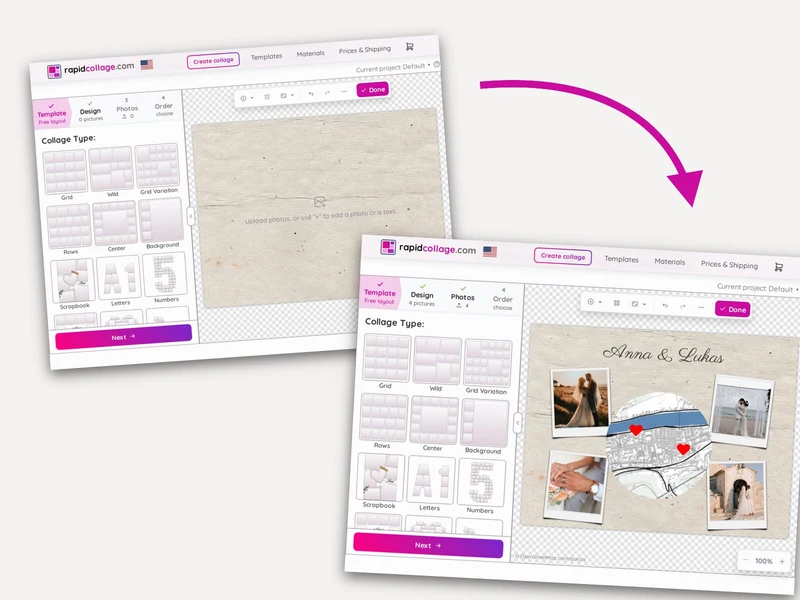
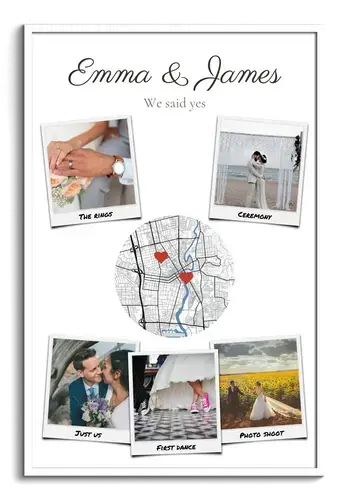
Before and after: the designer with a blank page and with the same page, freely designed with four Polaroids, a round city map and the names as a title.

Start with a blank page

Choose »Free layout« among the templates and upload your photos. The designer spreads them across the page to get you started – then you move, rotate and design everything just the way you like. Add text, shapes and a map via »Add«.

Customize a template

Start with a template – Grid, Heart, Wild, Rows or Jubilee – and set it up as usual: number of photos, photo style, spacing, format and text. Just one detail missing, such as a larger photo or text in a different spot? Click »Free layout« above the collage and change only what you want to change – everything else stays as it is.

View templates 

What you can do

Anything you can imagine – in just a few clicks

Move, resize, rotate

Every photo and every text sits exactly where you want it – even at an angle, as if casually placed.

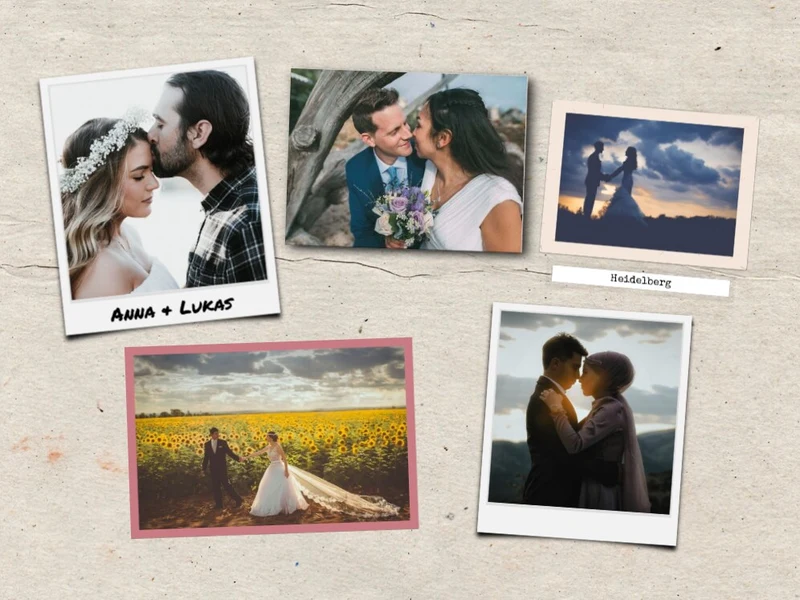
Wedding photos as a Polaroid with caption, with a shadow, as an old photo with a label, with a pink border line and as a Polaroid.

Photo styles and frames

Polaroid with caption, shadow, old photo or no frame at all; plus border lines in any color.

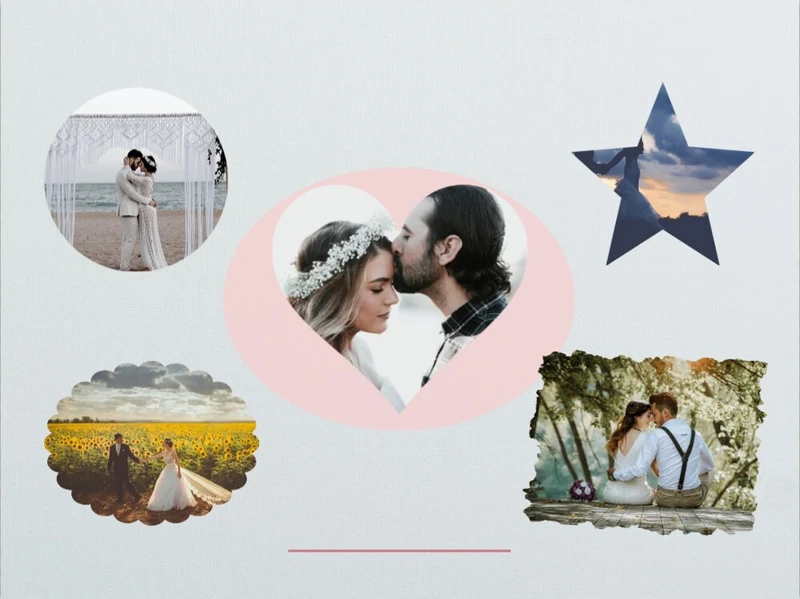
Wedding photos as a heart, circle and star, with a scalloped edge and a torn edge, plus a pink circle and a line.

Shapes and lines

Photos in a heart, circle or star, with a scalloped or torn edge; solid shapes and lines as decoration.

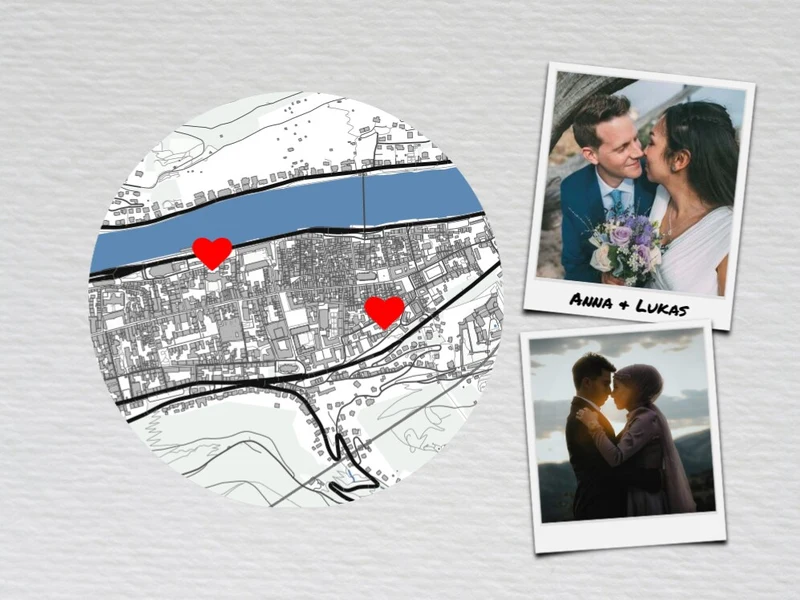
Round city map of Heidelberg with two heart markers, next to it two Polaroids.

Map with markers

Search for a place, choose the section, add hearts or stars – the map becomes part of your collage.

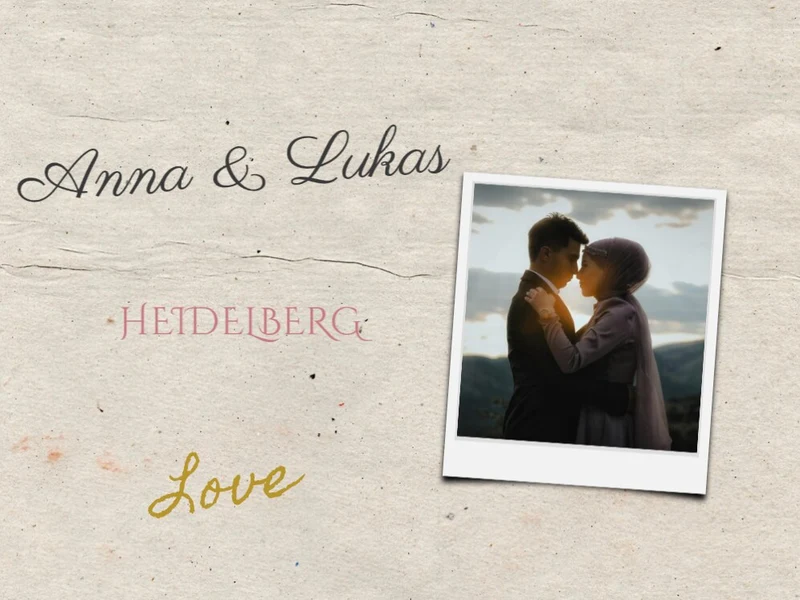
Names in script, the place in capitals and “Love” in handwriting next to a Polaroid.

Text wherever you like

Titles, names, dates or sayings in many fonts and colors, placed freely.

Arrange automatically

Don’t feel like moving things around? “Arrange” redistributes the photos at the click of a button – a little differently each time.

Ideas to try

Freely designed examples – open and customize

Each example opens in the designer with empty photo spots. Upload your photos and change whatever you like: photos, text, colors, shapes or the entire arrangement.

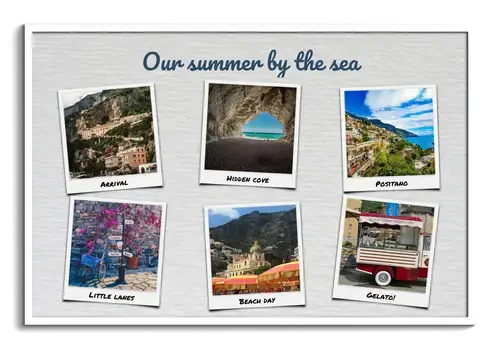
Vacation like on a pinboard
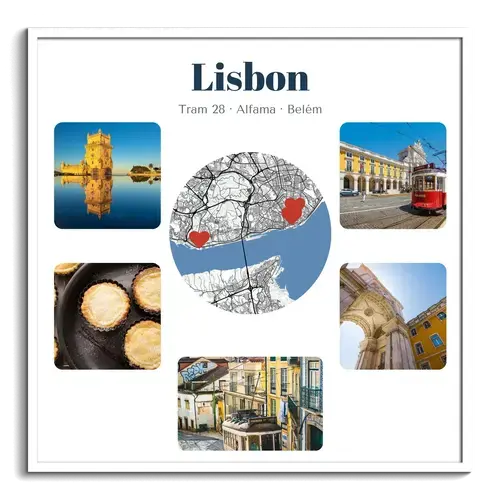
The city at the center
A saying that stays
Playful with shapes
Wedding with place and names

Reviews

What customers say about their collage

Every review comes from a real order: after delivery, we ask how customers liked their collage – from designing it in the designer to the finished print on the wall.

All Reviews 
Jennifer: Top!! Great Collage, Fast Delivery
I'm thrilled. Easy to design, quickly and securely shipped. Very good quality. Highly recommended.
Print Photo Collage as Poster, 30x40cm

Claudia: Great Quality, Super Result
There is a good selection of collages, logical editing steps, I will create and purchase products through rapidcollage again.
Print Photo Collage as Poster, 40x50cm
Susann: Very satisfied and a wonderful gift
The collage was very easy and intuitive to design. We put together a collage of 135 pictures and had it printed on canvas. The shipping was very fast and we couldn't be happier with the result. My grandma will be very happy about the gift. I can only recommend rapidcollage.
Print Photo Collage as Canvas, 120x90cm
Annika: Great templates, fast processing
I was thrilled with the templates for collages and created a great gift with the country templates.
Self-explanatory in use, uncomplicated in the ordering process.
I further customized the collage download afterwards.
Highly recommended!
Download Photo Collage
michel: Very beautiful success, happy with the product
Very happy with the fast service, very nice result, it is for a Christmas gift for newlyweds
Print Photo Collage as Poster, 50x40cm

Delivery & Payment

No empty promises: the preview shows the actual delivery times of the last 30 days – when your order usually arrives and when it will be there at the latest.

Insured shipping
Ordered today Wed, 25 Nov
We 25 Today
Th 26 Nov
Fr 27 Nov
Sa 28 Nov
Su 29 Nov
Mo 30 Nov
Tu 1 Dec
We 2 Dec
Th 3 Dec
Delivery Usually: Mon, 30 Nov
Ordered today Wed 25
Delivery Usually: Mon 30
Wed 25 Today
Thu 26
Fri 27
Sat 28
Sun 29
Mon 30
Tue 1 Dec
Wed 2
Thu 3
No time to wait? As a download, you get your collage today.
High-resolution file, by email in about 5 minutes.
Create as download

  • No customer account needed
  • Production starts right after payment
  • Shipping fully insured

Pay securely with:

Pay with PayPal Klarna Credit Card Credit Card Apple Pay Google Pay

FAQ about designing freely

Yes. Templates are the fastest way, but not a must: choose »Free layout« among the templates and you start with a blank page or with your uploaded photos, which the designer spreads out for you to begin with.

Yes. First set up the template as usual – number of photos, photo style, spacing, format – and then click »Free layout« above the collage. The collage stays as it is at first, but now every photo and every text can be moved, resized and rotated individually. If you choose a template again afterwards, it replaces your own design – the designer asks you first.

This works with almost all templates. Only where the photos form a fixed shape – for example with letters, country outlines, the dog or the heart with outline – does the layout stay fixed.

Yes. Click »Add« → »Text«, type your text and drag it to the spot you want. You can make it bigger or smaller, rotate it and choose the font and color.

Yes. Select the photo and drag one of its corners to enlarge it. Move the other photos aside, or let »Arrange« redistribute them.

Yes. The page is printed exactly the way you designed it – with every position, rotation, shape and text. In the »Order« step, you can see for the selected print size how large the individual photos will be in the print. If a photo's resolution is too low for its size, the designer shows a warning sign on it.

Questions about using the designer are answered in our tips & help for the collage designer.

🤔 Still have questions?

Get in touch using our contact form

Your idea, designed in just a few minutes

Blank page or template – upload photos, arrange, order. No software, no account.

Customize a template