One image made from up to 1,000 photos.
Create a photo mosaic: ideas & free preview
One main image, hundreds of small photos: up close, you see each individual memory; from a distance, the bigger picture. Upload, choose a size, and you're done – your free preview arrives by email, with prints available on canvas, poster, aluminum composite, or acrylic glass.
Free preview in 30 minutes to 2 hours · No account required · No software to install





Ideas for your photo mosaic
What can you do with 1,000 photos? Make one picture.
Vacations, weddings, a child's first year, or everyday moments – every day, we collect memories of life's highlights and capture them on camera. Most eventually disappear onto a hard drive or into albums we rarely open. A photo mosaic brings them together in a single image: one main picture made from hundreds of small photos – two layers of imagery to rediscover again and again.
Click an example to open it at Rapid-Mosaic and fill it with your own photos. Your uploaded images and shopping cart come along with you.
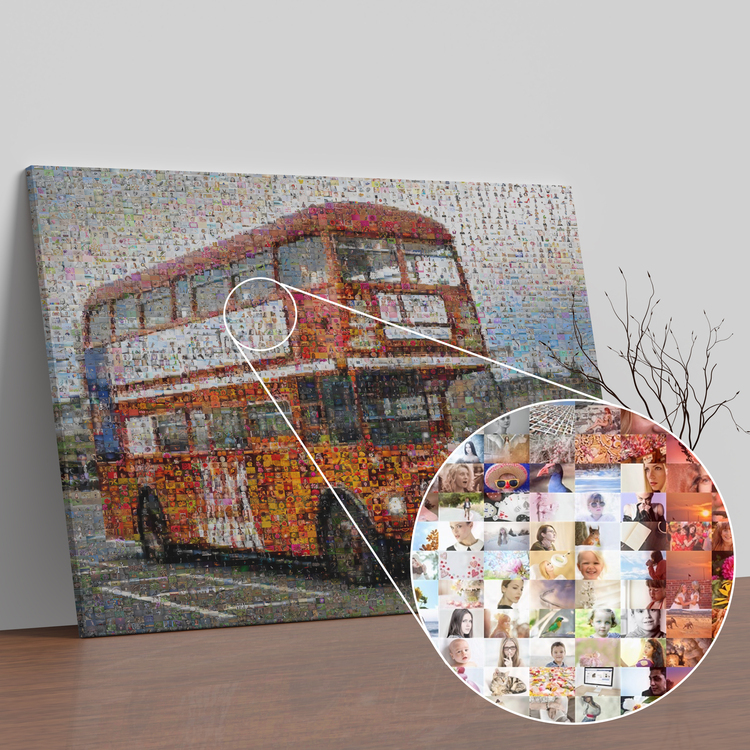
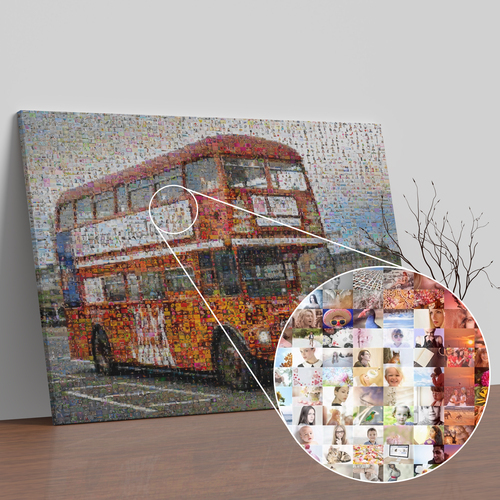
A vacation scene made from all your travel photos
A red double-decker bus in London, the beach, or a city landmark – filled with hundreds of snapshots from your trip. If you come home with 500 vacation photos, here is a place for every single one.
Design this photo mosaic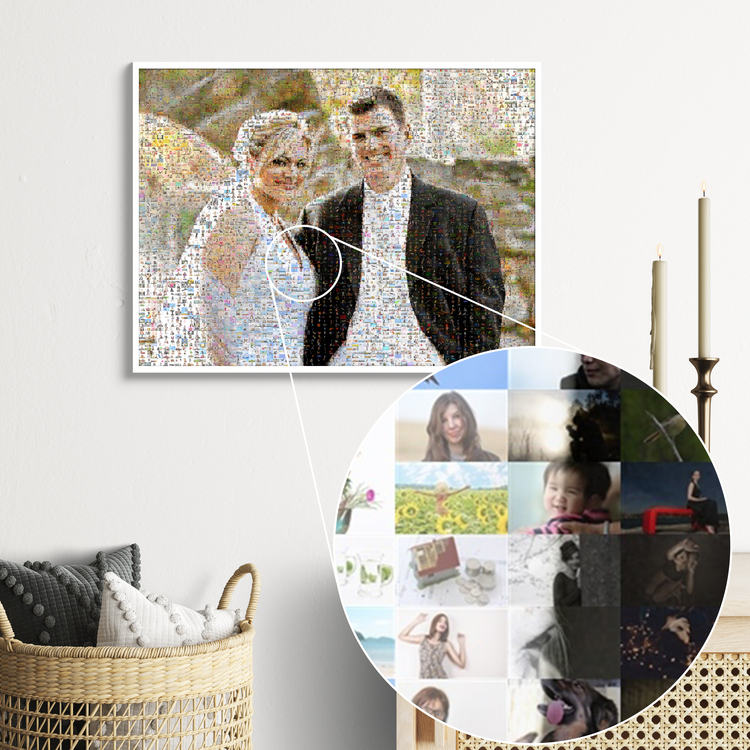
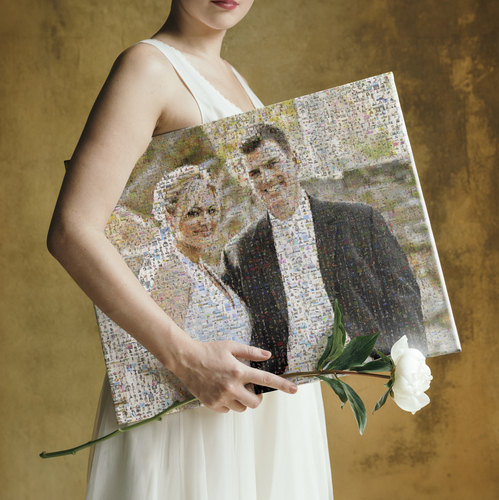
A wedding gift: the happy couple made from photos of the celebration
Use a photo of the couple as the main image, with tiles from guest photos, the photo booth, and the ceremony. As a first anniversary gift, it is more personal than any album – and guests can find themselves in the picture.
Design this photo mosaic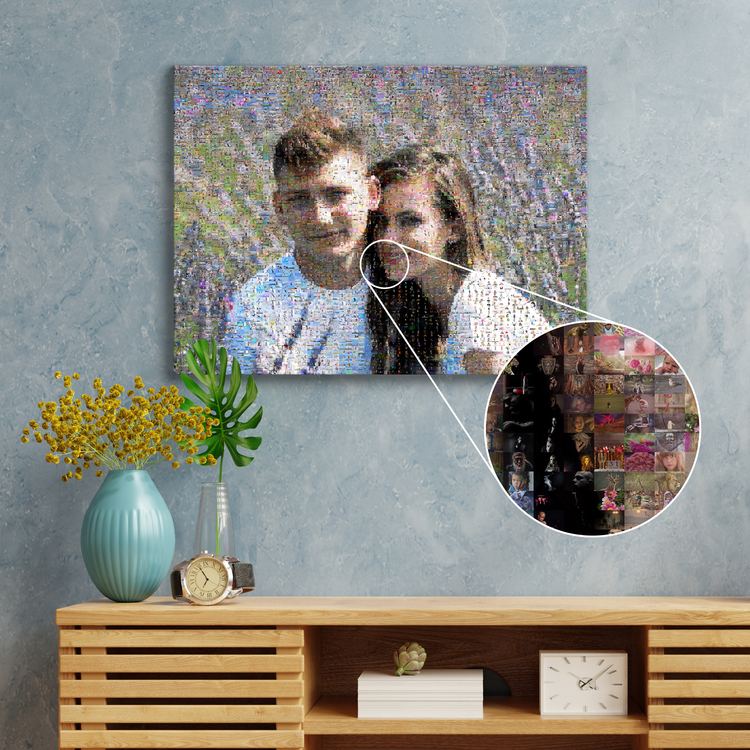
A couple mosaic from your years together
A recent photo of the two of you, pieced together from everything that came before: first trips, new homes, celebrations, everyday life. For your anniversary, for Valentine's Day, or simply for your living room wall.
Design this photo mosaic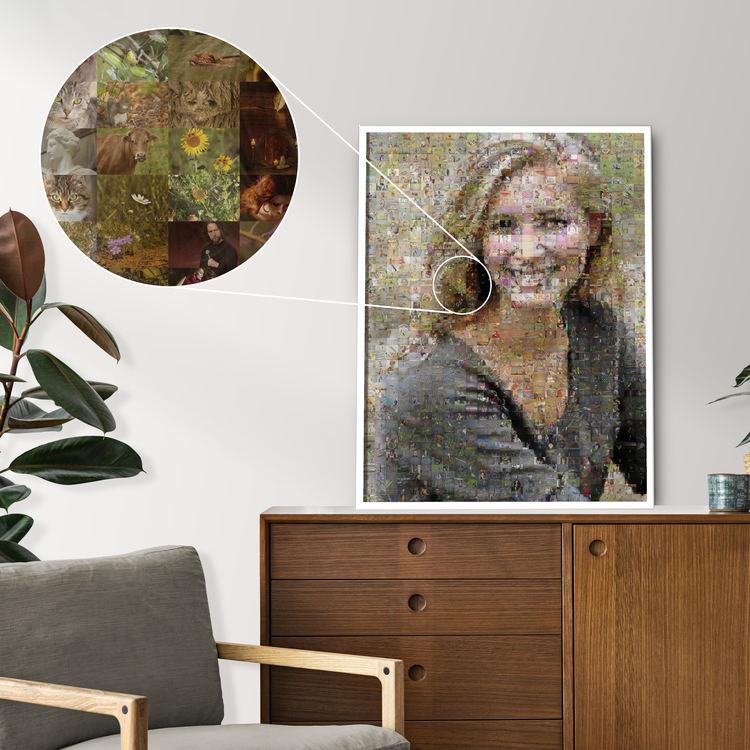
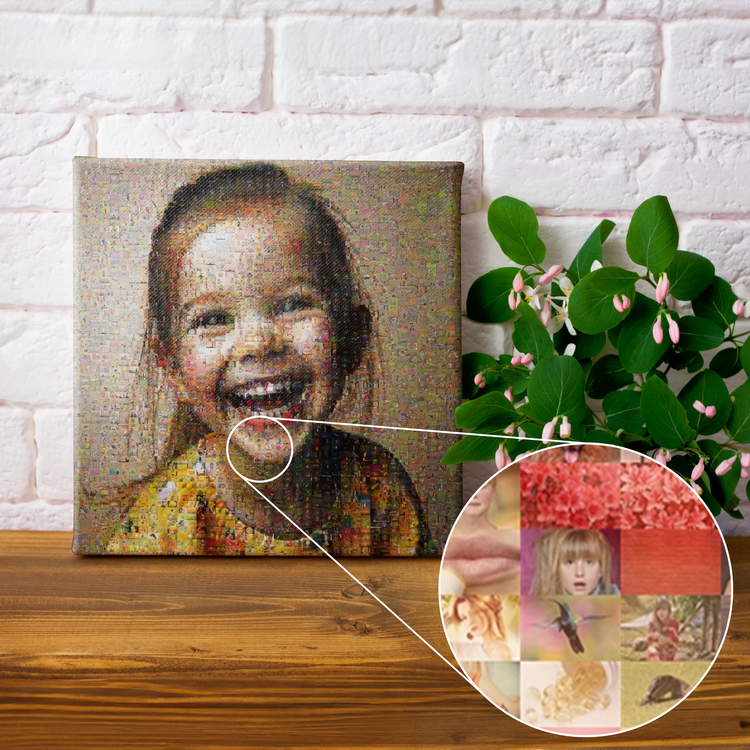
Portrait mosaic: one face made from many photos
The classic choice: a high-contrast portrait as the main image, paired with photos from that person's life. The more different photos you upload, the more detailed your mosaic – with up to 1,000 tiles.
Design this photo mosaic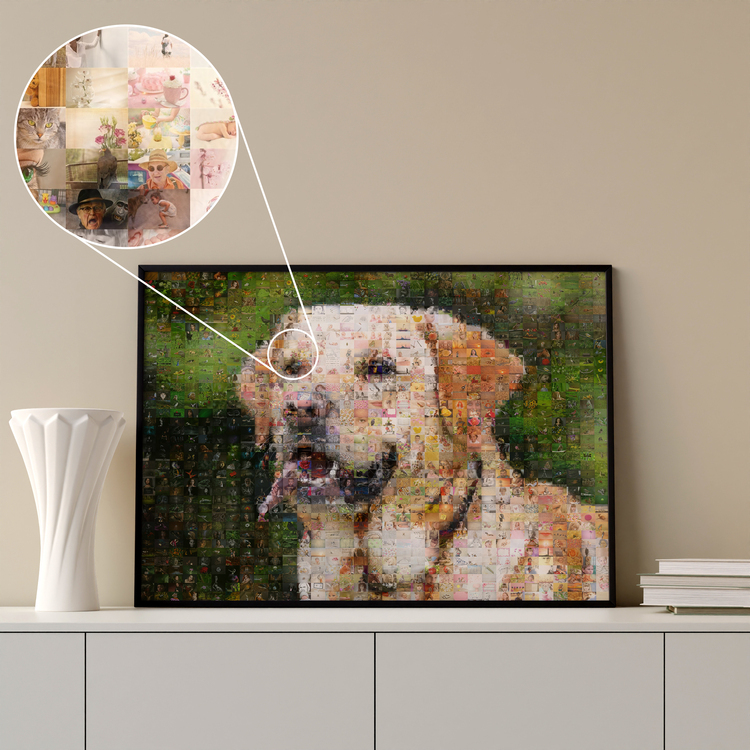
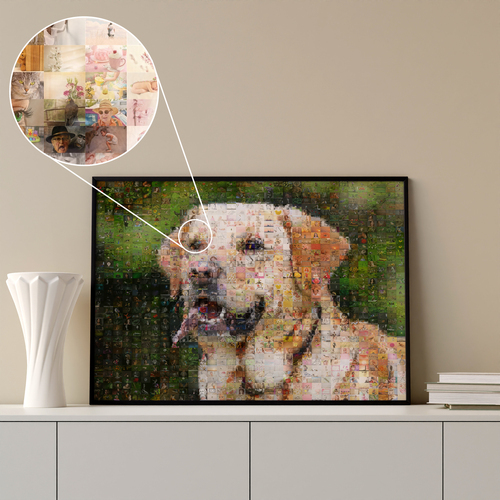
A dog photo mosaic from your daily adventures
A portrait of your dog, filled with photos from walks, puppy days, and couch cuddles. It works for cats and horses, too – just make sure the main image has clear outlines and an uncluttered background.
Design this photo mosaic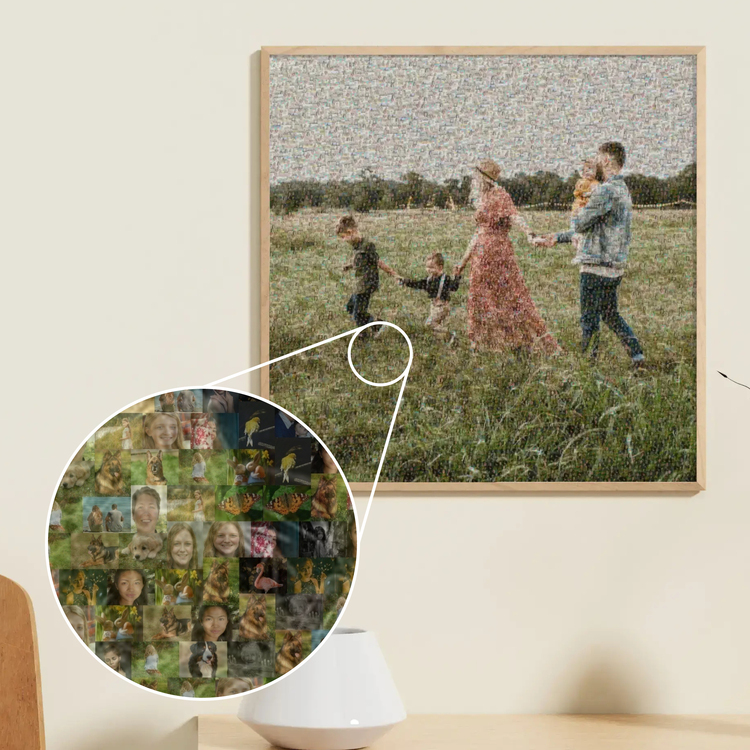
Your year in review as a photo mosaic
Use your summer family photo as the main image, with tiles from the twelve months before. One picture that tells the story of a whole year – a Christmas gift or a piece for the hallway, where everyone passes by each day.
Design this photo mosaic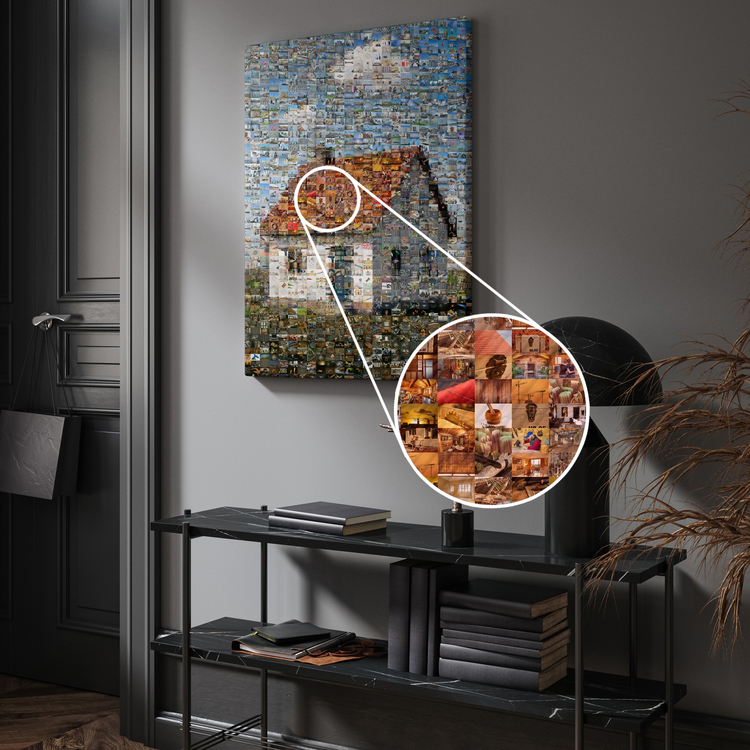
A new home mosaic from construction photos
Your finished house as the main image, pieced together from the foundation, framing, milestones, and move-in day. A picture for your new wall – or a gift for the homeowners, architect, or construction crew.
Design this photo mosaic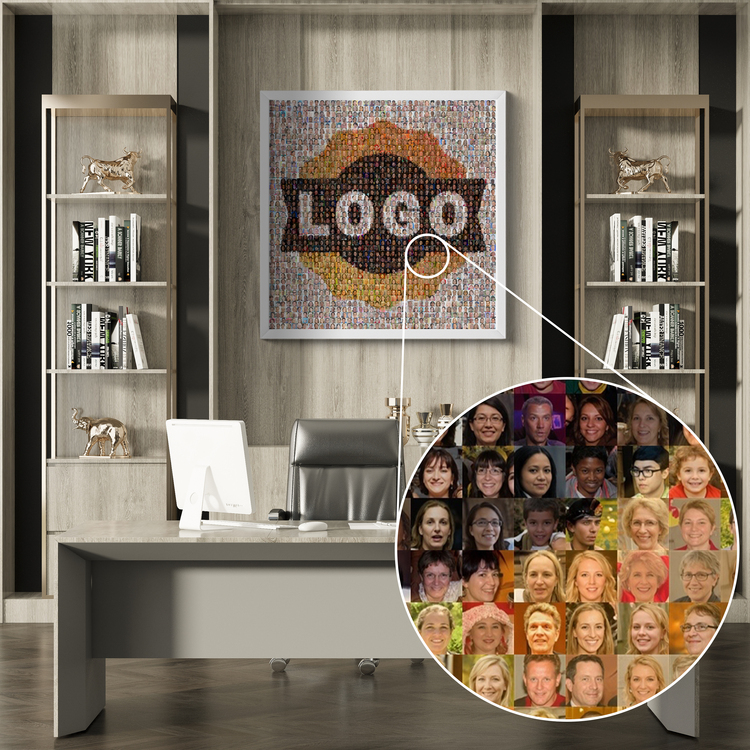
A company logo made from employee photos
Your logo as the main image, with tiles made from employee portraits. For the reception area, a company anniversary, or a thank-you to the team – printed on aluminum composite or acrylic glass, it looks like a work of art.
Design this photo mosaicHow it works: create a photo mosaic online or with our software
Upload your main image, choose a print size, and upload up to 1,000 small photos – our servers take care of the rest. There are two ways to create your mosaic:
Online in your browser
- No software, no installation – works on smartphones, tablets, PCs, and Macs.
- Depending on the size and number of photos, you'll receive a link within 30 minutes to 2 hours to several finished versions – free, with no obligation to buy.
- In the preview, switch between mosaic types, tile sizes, and blending levels and see the changes instantly.
- If you don't order, your images are automatically deleted after a set period.
With the Rapid-Mosaic software
- Download and install the free software for Windows.
- A few simple steps guide you through creating your mosaic image.
- Your photos stay on your computer and are not uploaded.
- If you'd like a print, upload your finished mosaic and place your order.

What is a photo mosaic – and how does it work?
A photo mosaic is made up of many small individual images, arranged by color and brightness so they blend into one large picture. This gives the mosaic two layers: the main image from a distance and individual memories up close.
First, upload your main image, choose a print size, and then upload up to 1,000 small photos to use as tiles. Our software creates several versions from these: with smaller or larger tiles and less or more blending. Choose the version you like best and order it online.
Four mosaic types to choose from
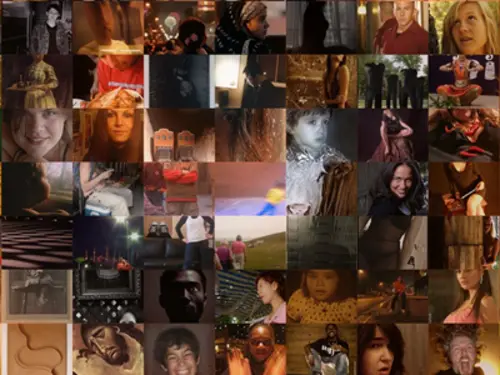
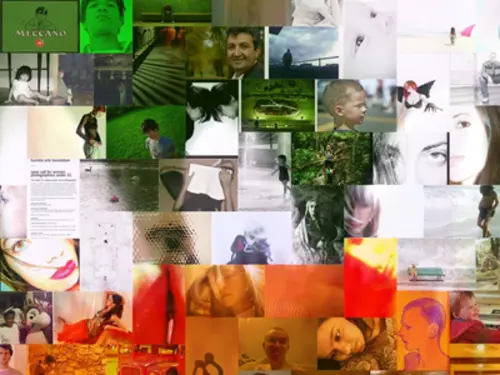
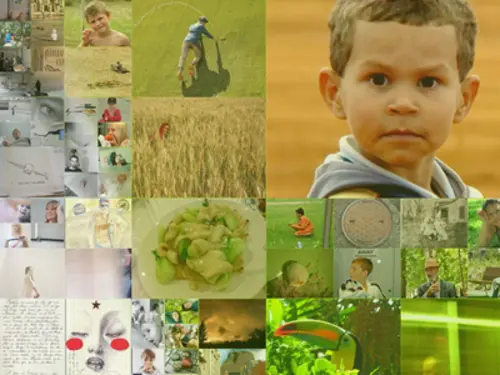
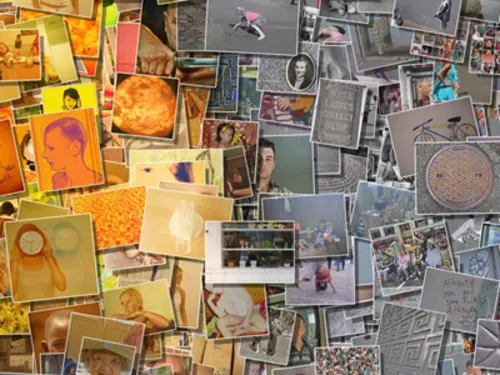
Premium materials in a wide range of sizes
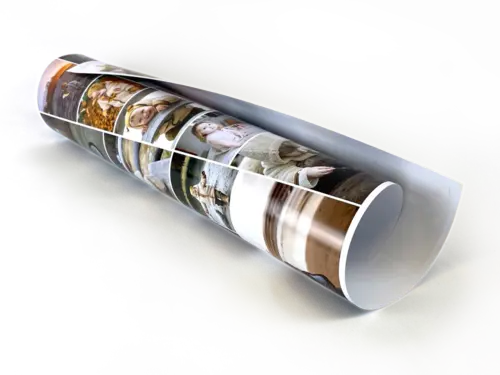
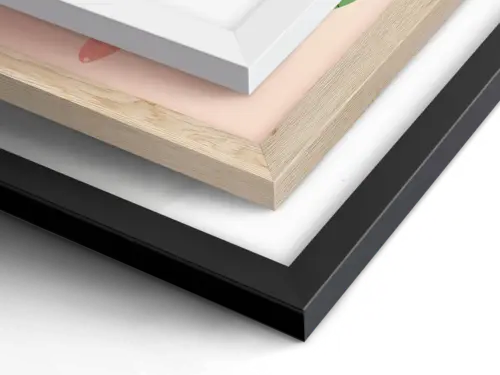
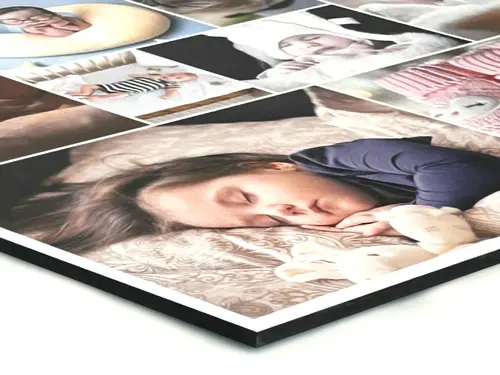
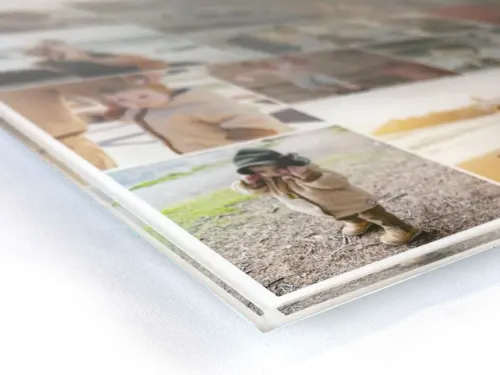
We partner with a local photo printing specialist to print your mosaic on canvas, poster, aluminum composite, or acrylic glass. The larger the print, the easier it is to see each photo – at 60 centimeters per side or more, even 1,000 tiles really stand out.

Customer Reviews
Keep it up :)
![Customer Photo by Gabor for Review Print Photo Mosaic [Online] Poster 60x80cm](/image/500/rating-customer-photo-gabor-2026-09-14-6740269.jpg)
Photo mosaic FAQs
How many photos do I need for a photo mosaic?
You can upload up to 1,000 small photos. The more different images you use, the more detailed and varied your mosaic will be – if you have fewer, tiles are repeated, which is barely noticeable when evenly distributed. Aim for a good mix of light and dark, colorful and subtle images.
What makes a good main image?
A high-contrast image with clear shapes: a portrait against an uncluttered background, a landmark, or a logo. Fine details like text or thin lines get lost in the tiles. If you're unsure, simply upload two main images in two separate sessions – the preview is free.
How much does the preview cost, and how long does it take?
The preview is free, with no obligation to buy. Depending on the mosaic size and number of images, you'll receive a link by email in 30 minutes to a maximum of two hours. There, you can choose between several versions and order if you like one. If not, your images are automatically deleted after a set period.
Online or software – what is the difference?
Online, everything runs in your browser, even on your phone, and our servers create the mosaic. The Windows software processes everything locally on your computer: your images only leave your computer when you upload the finished mosaic for printing. Both options produce the same result – the software is ideal for very large photo collections and for anyone who prefers to keep their photos locally.
Photo mosaic or photo collage – which is right for me?
In a photo collage, each photo stays large and individually visible, usually with 10 to 200 images in one layout – ideal when you want individual moments to take center stage. In a photo mosaic, hundreds of photos blend into one image – ideal if you have lots of photos and a main image that tells the story. Many people order both: a collage for the details and a mosaic for a large wall.
🤔 Still have questions?
All questions and answers at Rapid-Mosaic Contact formUpload your photo mosaic images in just ten minutes
Choose your main image, upload your photos, and wait for your preview. Free, with no software or account needed.
For a birthday, wedding, Christmas, or simply your own wall – nothing is more personal than giving shared memories as a gift. With a photo mosaic, you can give hundreds at once.
Create Photomosaic NowMore photo collage ideas for other occasions
Did You Know?
Our passion is photos and personalized print products. Check out our other creative gift ideas: