



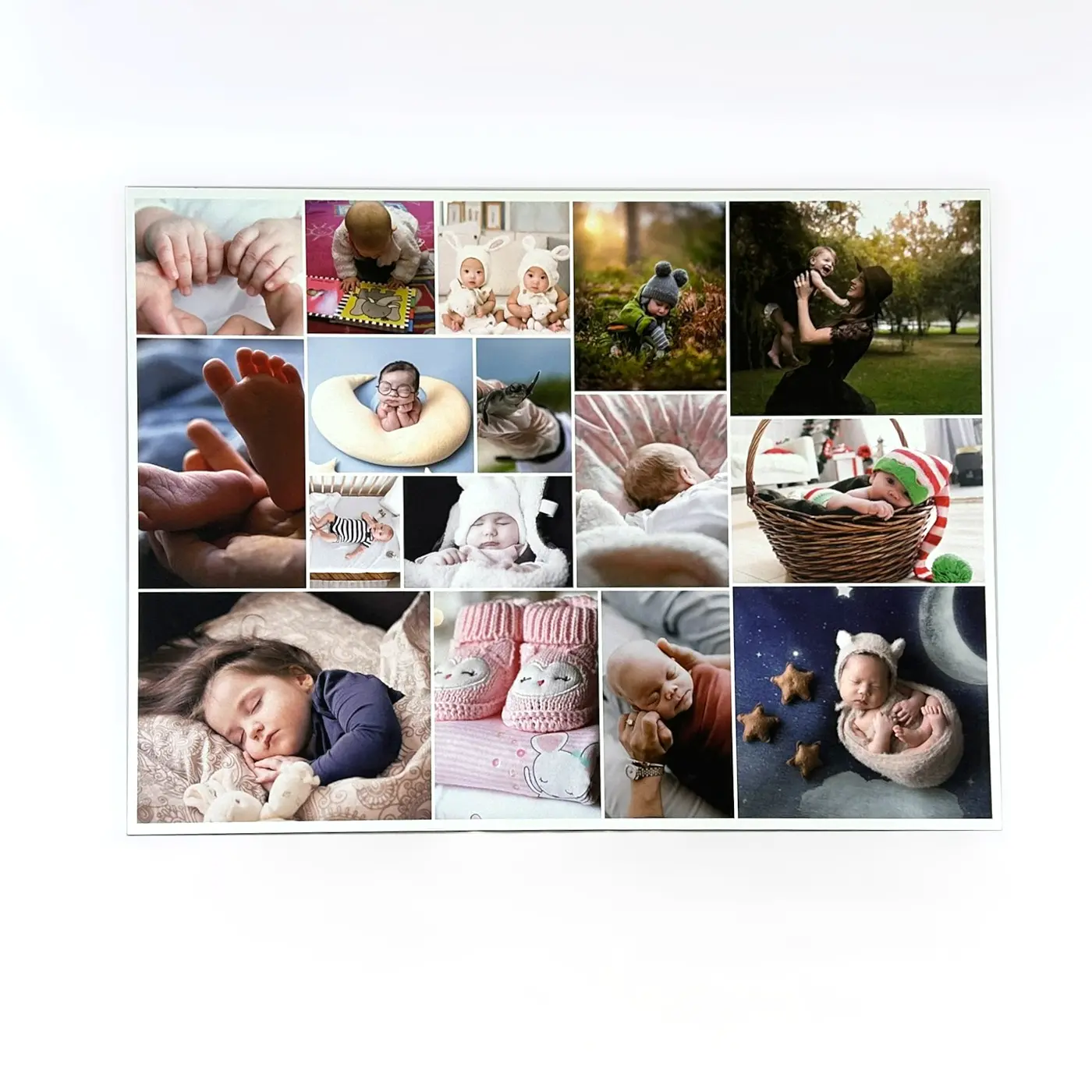

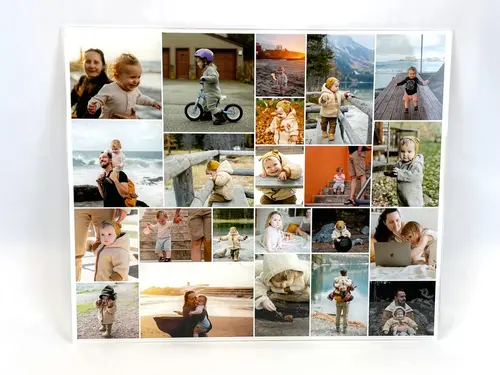
Photo Collage “Large Picture in the Center”
Create extraordinary photo gifts for your loved ones in no time
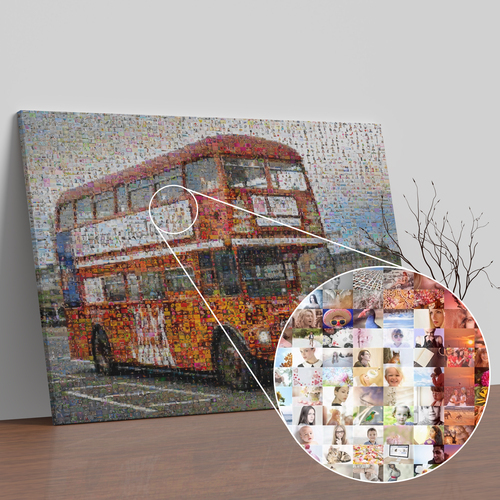
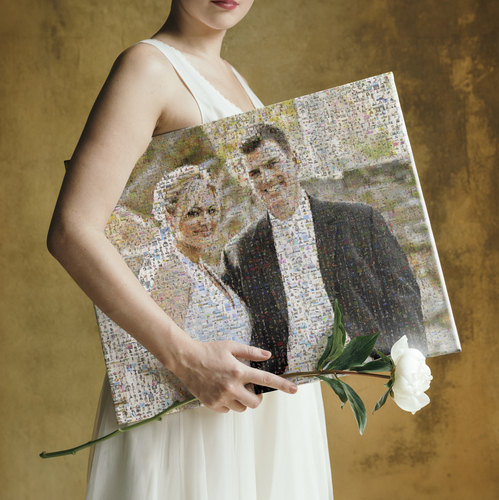
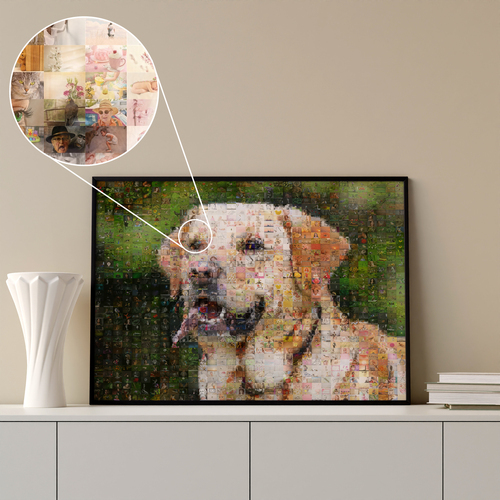
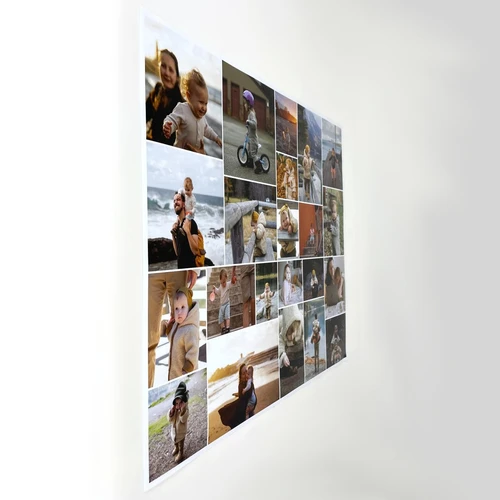
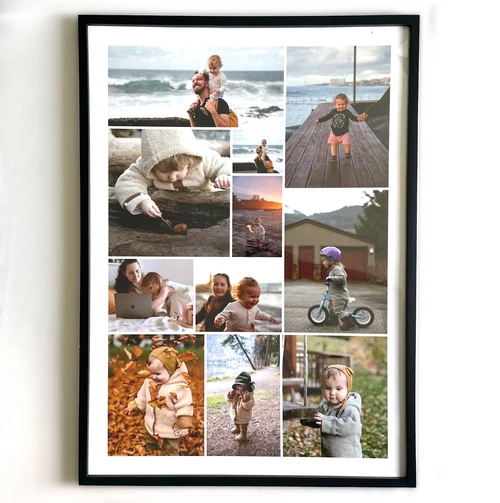
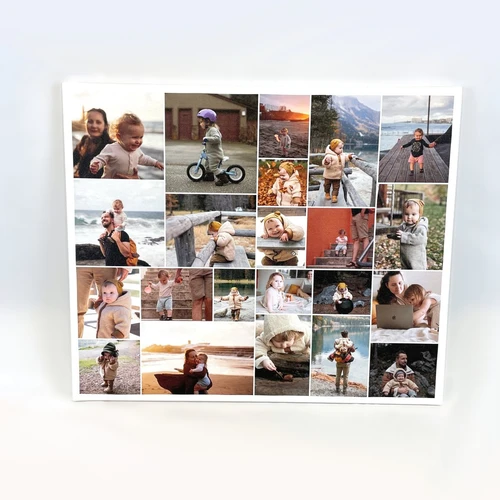
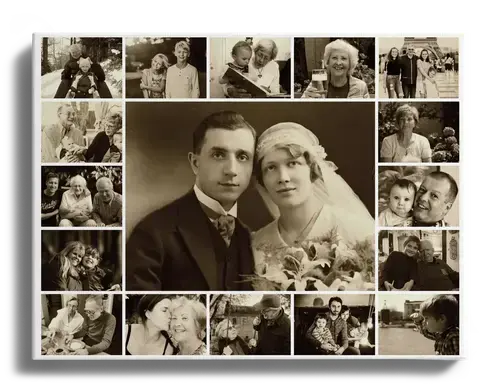
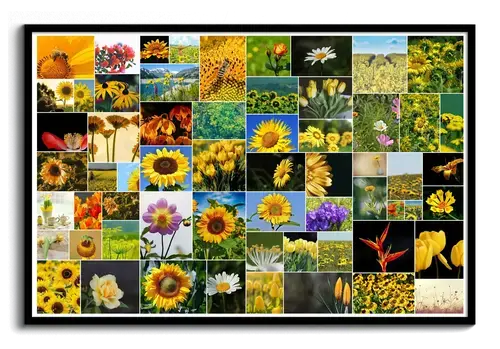
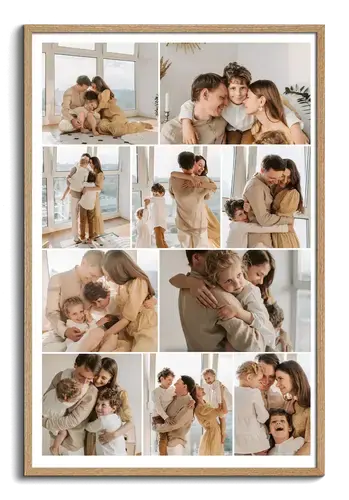
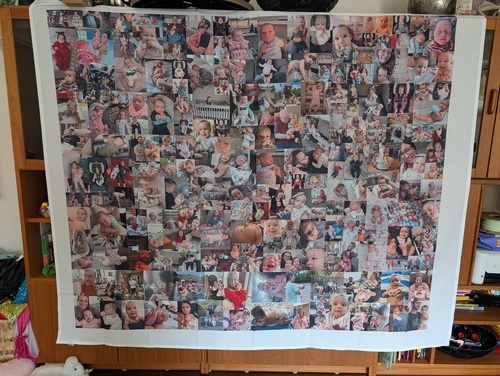
This template is perfect for highlighting individual photos in your collage. Create a photo collage with up to 61 pictures and place one or more of your favorite photos in the center. You can choose from different designs and customize the template to suit your style, turning your pictures into extraordinary photo gifts in just a few clicks.
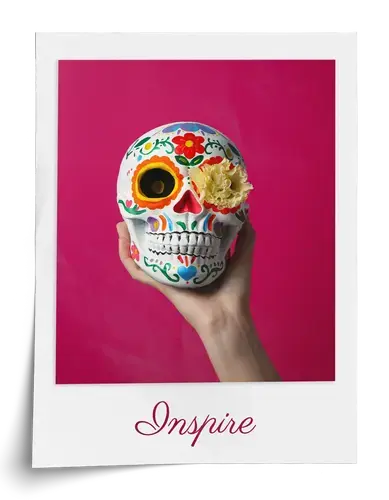
For example, how about a large group photo with smaller individual portraits of all the children as a farewell gift for a favorite teacher or caregiver? In Polaroid style, the pictures can even be labeled individually with names or a short personalized farewell message!
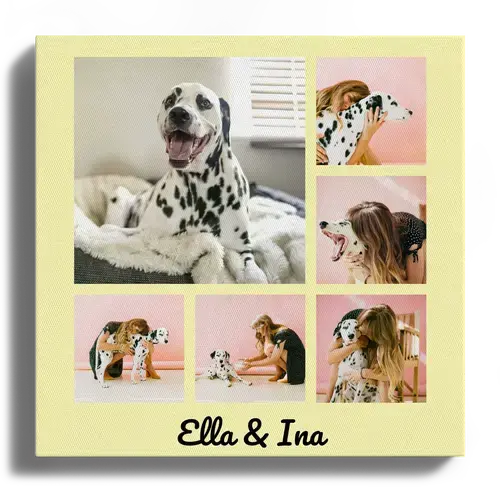
Or what could be a better gift idea for Grandma and Grandpa than a collage featuring photos of the grandchildren and a shared picture in the center?
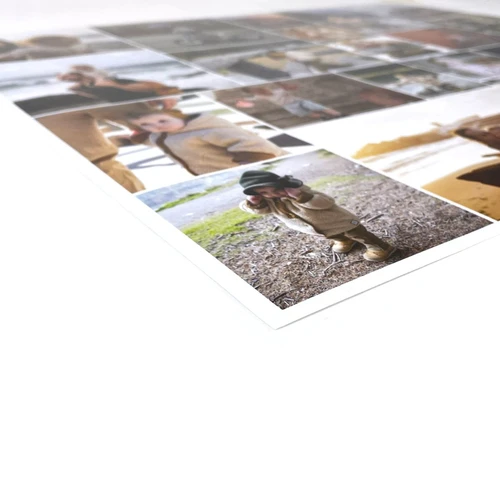
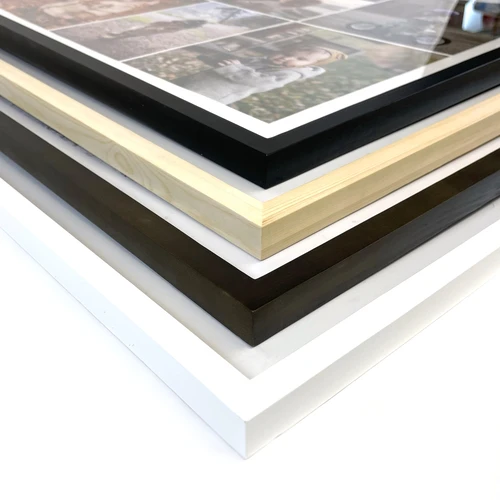
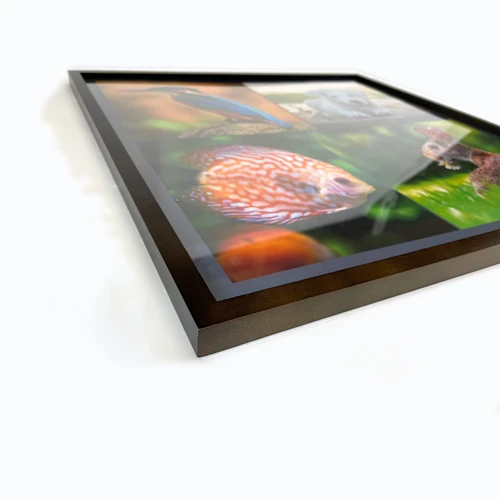
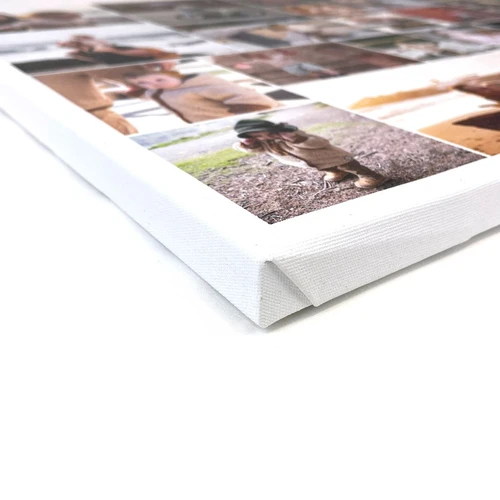
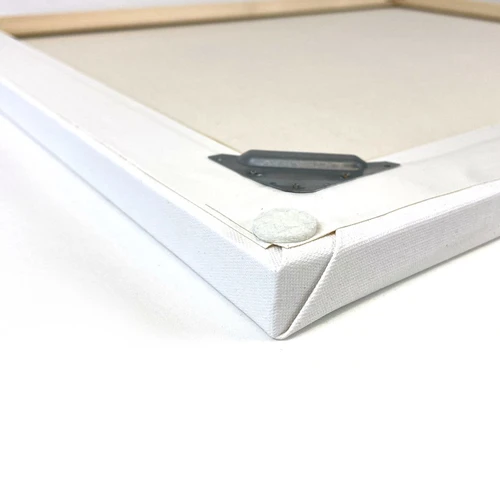
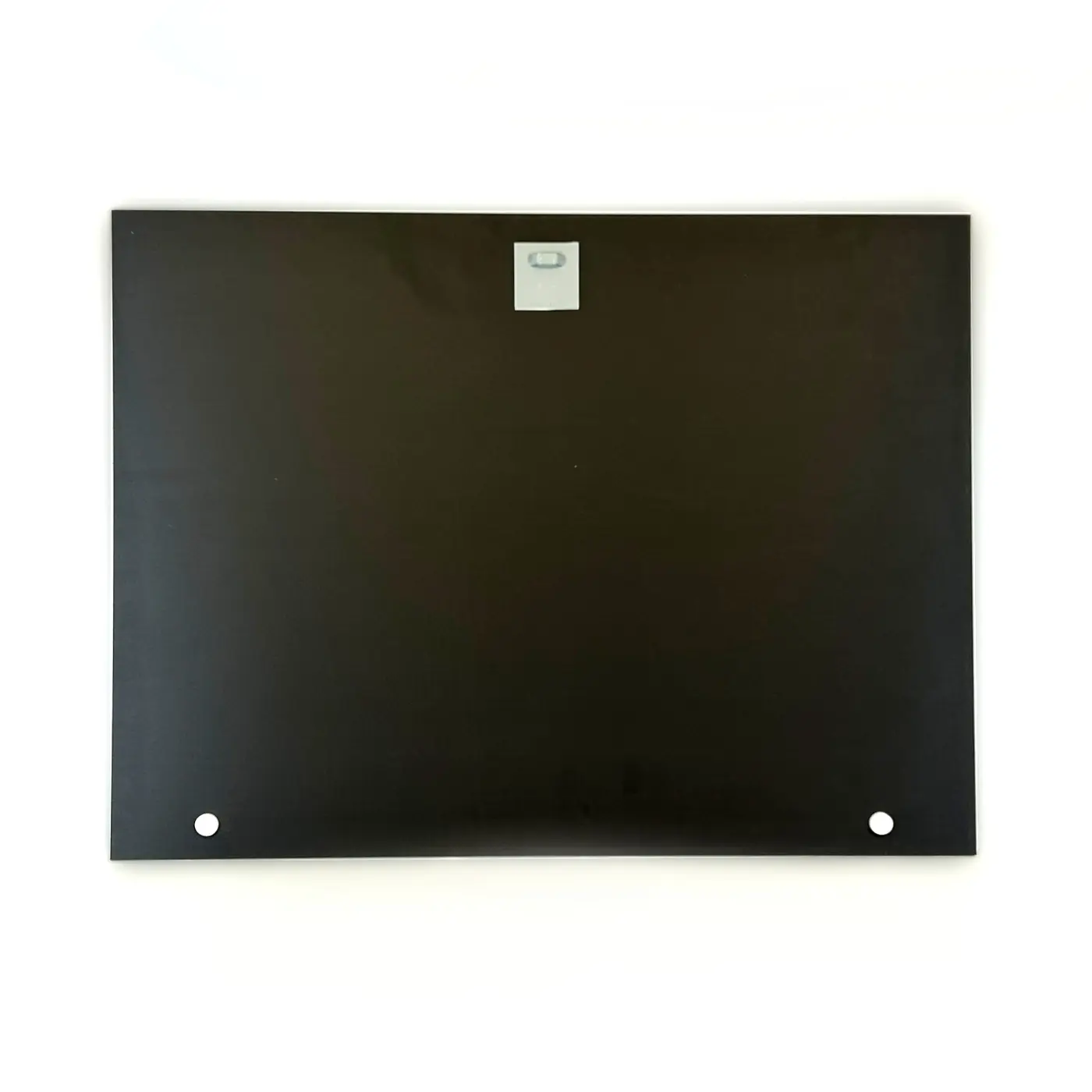
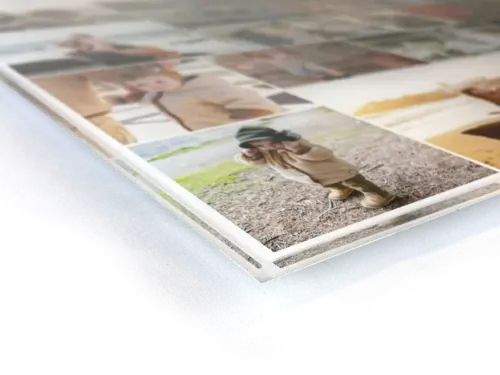
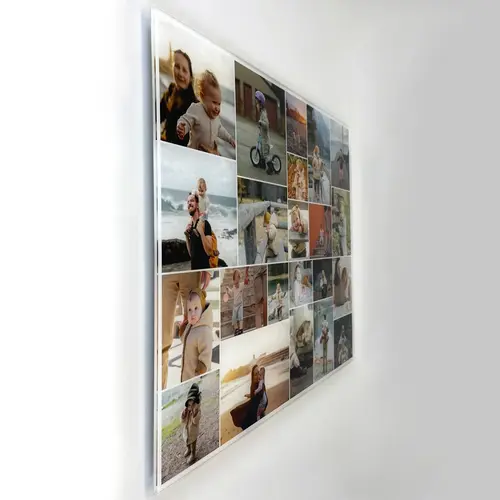
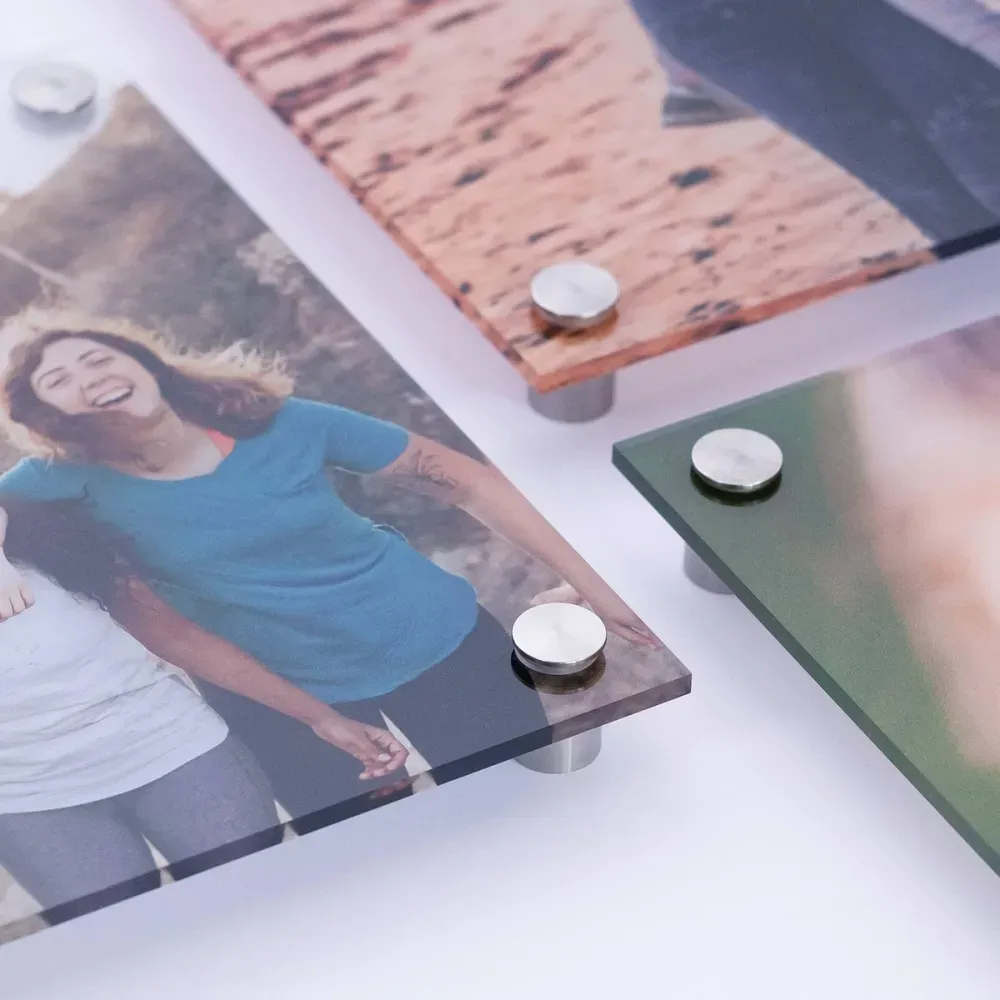
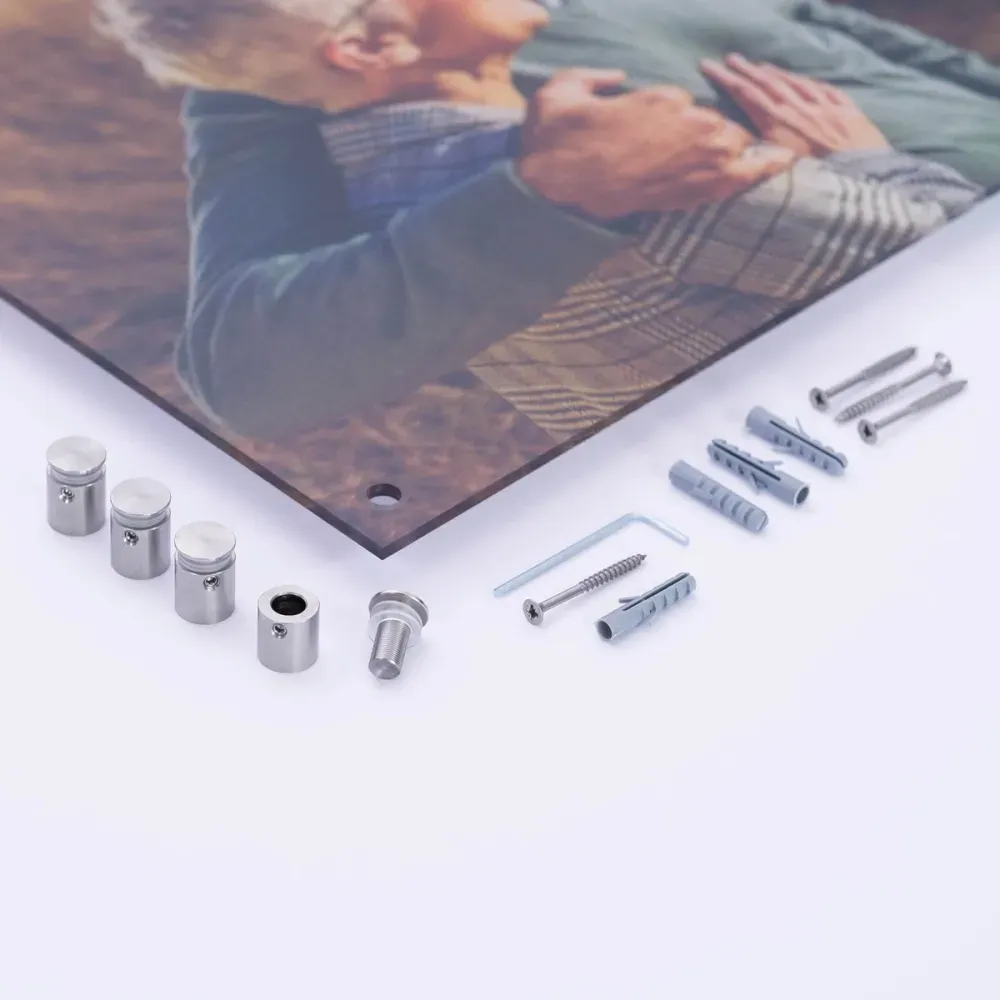
We print your collage on various materials such as canvas, acrylic glass, aluminum Dibond, or as a poster in sizes from 10x15 cm up to 200x150 cm.
Ideas and examples for inspiration
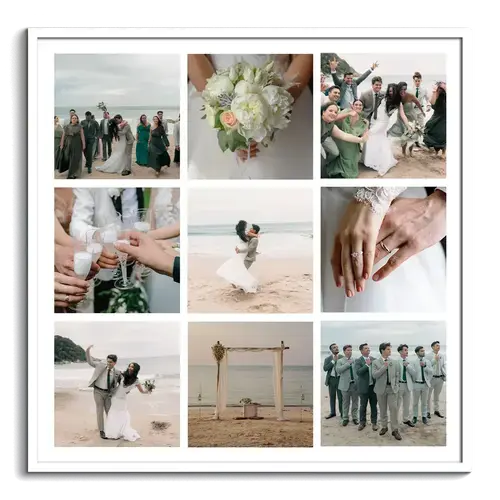
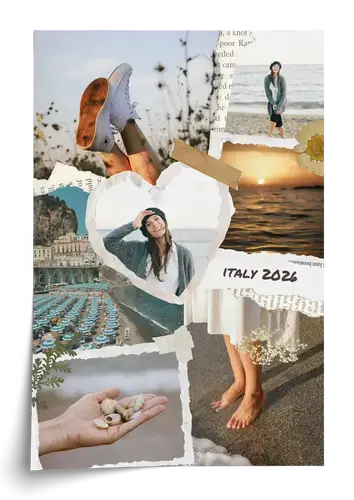
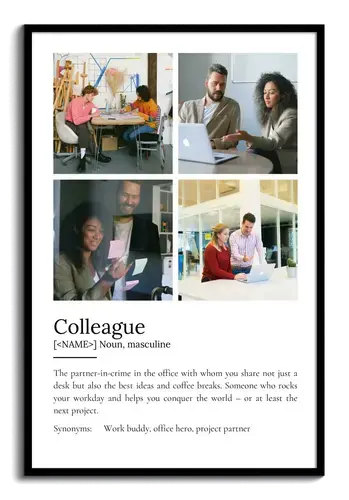
To make your choice easier, we have put together a few examples of beautiful collages for inspiration. If you see something you like, you can open and edit the template with just one click.
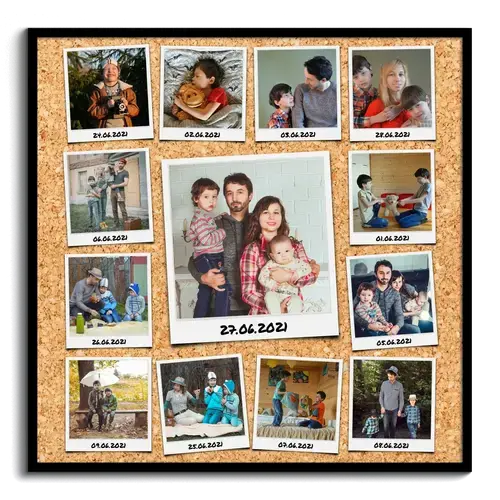
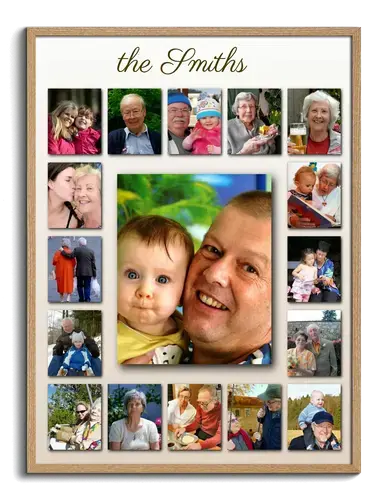
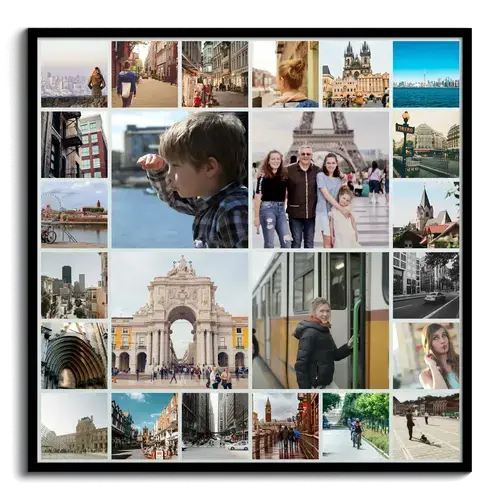

Create your personalized photo collage in just a few steps
Creating photo collages is incredibly easy - our program gives you plenty of design options. Choose your favorite from different styles such as shadow, Polaroid, or vintage photo, and customize the number of pictures you want to place in the center and along the sides. You can then adjust the page margins and the spacing between the photos, and add your own text above and below the collage. The preview updates automatically with every change, so you can always see what your finished collage might look like.
Now choose the print orientation and size in which the collage should be printed.
Our tip: Experiment with the different settings and try out various formats. Depending on which image style (square, landscape, or portrait) you choose, the collage’s proportions and layout will also change. Please also note that not all print sizes are available in every format.
Once you have configured the template to your liking, click “Use this template” to upload your photos in the next step. All images will be placed automatically in the collage, or you can move them into the right position with a click. You can replace or delete the photos at any time and adjust the image crop.
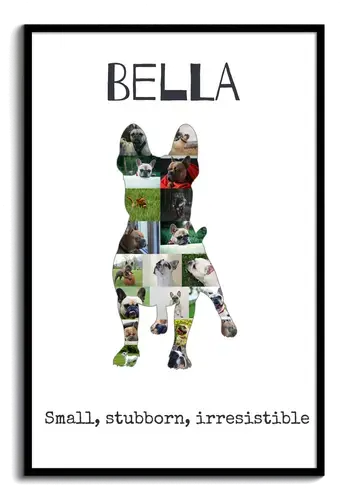
Hearts, numbers, or letters – we have even more templates!
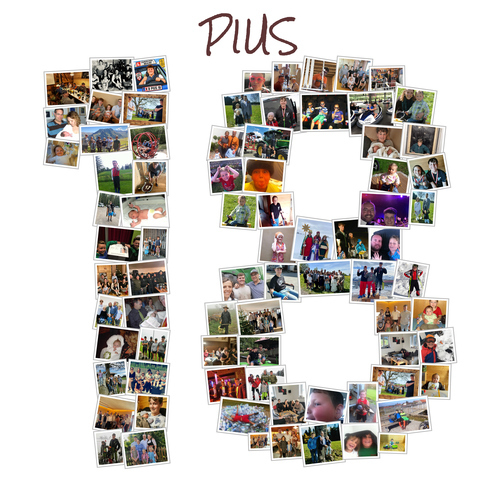
Have you already discovered our many other templates for different occasions? For example, how about a grid collage as a beautiful keepsake from your last vacation or a number-shaped photo collage for a birthday?






Customer Reviews
Everything worked perfectly.
Cons: uploads were not always successful, difficult to us on mobile device
Tips: compare sizing of final collage vs project use, triple check photo orientation/cropping before finalizing
Did You Know?
Our passion is photos and personalized print products. Check out our other creative gift ideas: