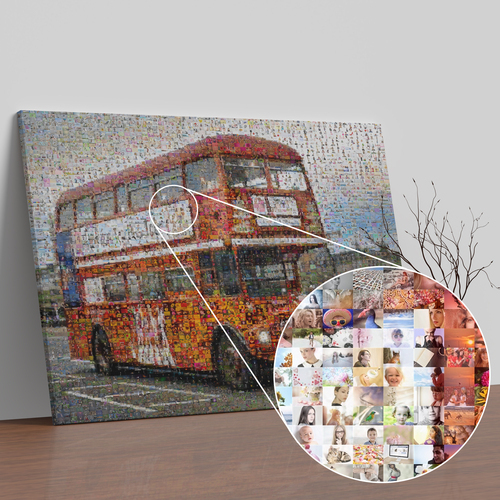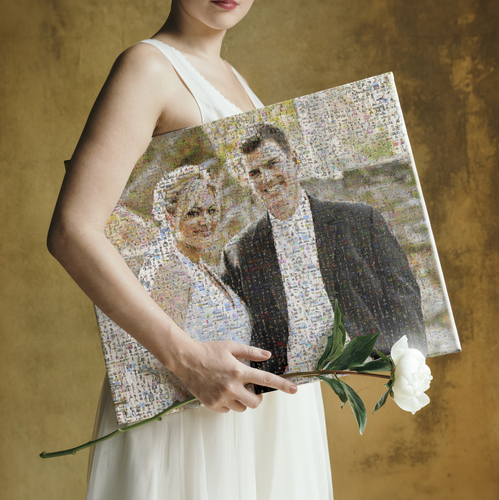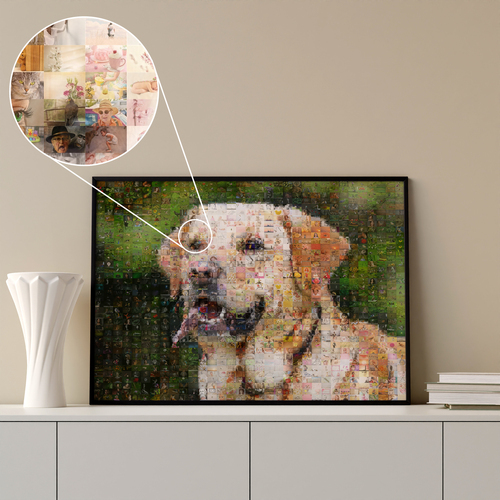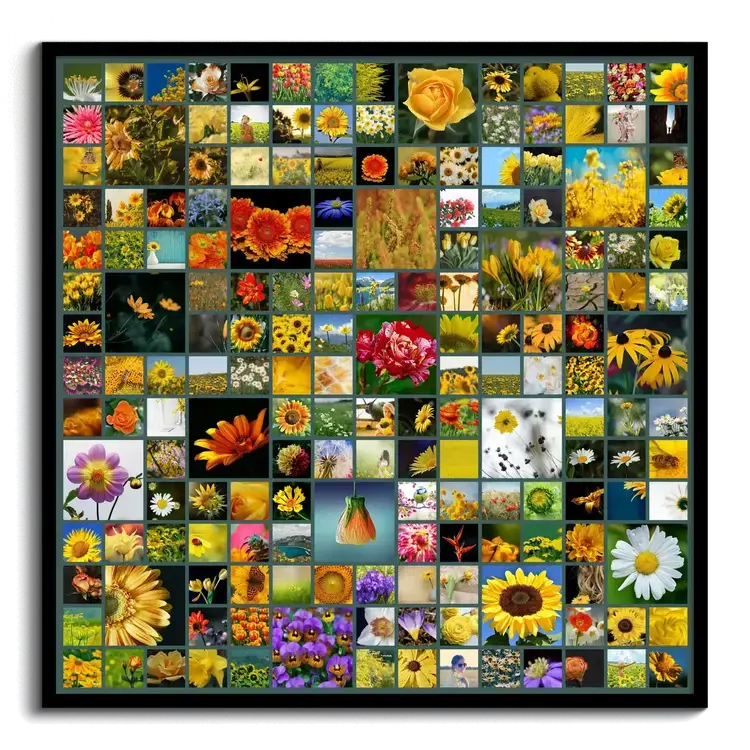
Up to 200 photos in one picture.
Collage with Lots of Pictures
Easily create creative photo collages with lots of pictures
We want to capture life's special moments in photos as beautifully as possible. Weddings, vacations, birthdays, and everyday moments, big and small – they give us so many wonderful photos that deserve an equally special place.
From £19 · No account needed · JPG download delivered by email in about 5 minutes

installation

sign-up

(including texts and backgrounds)

easy

a family business
installation
sign-up
(including texts and backgrounds)
easy
a family business
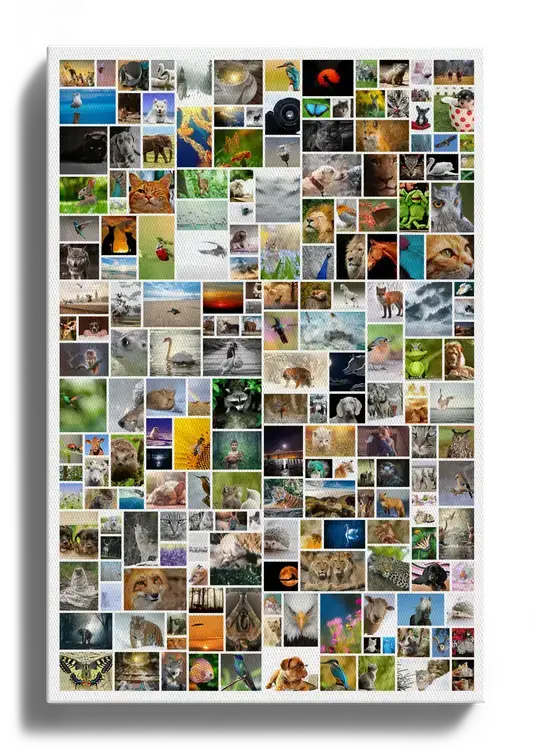
Quick and easy with templates
Create your own photo collage with more than 200 pictures, with minimal effort
A photo collage is a wonderful way to preserve shared memories of these moments – as a special gift or for your own home. To make creating a collage with lots of pictures quick and easy, we've designed creative templates for you that you can customize however you like.
The more pictures you want to use, the more time it takes to arrange them by hand in a beautiful collage. Our templates make creating a custom collage, even with lots of pictures incredibly easy, taking just a few minutes.
With our varied grid collage template, for example, you can highlight individual photos and give them a chance to shine. Or choose one of our many templates for photo collages in rows or a scattered layout and customize it with just a few clicks.
All you need to do is upload your pictures, and the designer automatically arranges them within the collage. That saves you the time and hassle of carefully aligning each picture by hand. You can personalize your photo collage even further by adding your own text above or below the collage and adjusting the font and background color.
You can also apply photo effects like black and white to individual photos or the entire collage. With lots of pictures in different colors, a photo collage can quickly look busy – in that case, you can use the various filters to create a more cohesive look.
With so many pictures, it's also a great idea to create your collage together with friends or family members, so everyone can add their own photos.
Design your collage nowHow to Create a Photo Collage
Choose from a wide variety of templates, including grids, hearts, rows, and text.
Choose portrait or landscape orientation, adjust the number of tiles, and set the style just the way you like.
Upload your photos directly from your computer or phone.
Arrange and move your photos, edit text, choose backgrounds, and apply photo effects.
Choose your product and print size, then add your collage to the cart.
Complete your order and we'll take care of the rest! Get ready to enjoy your personalized photo collage.
Ideas for lots of pictures
Ideas and inspiration for your collage with lots of pictures
We've put together some ideas and templates to inspire you. Click the design you like to open the designer and customize it however you want.
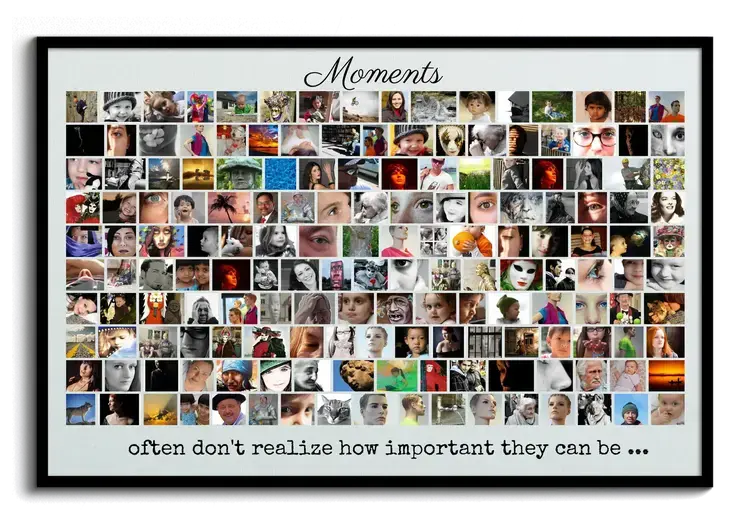
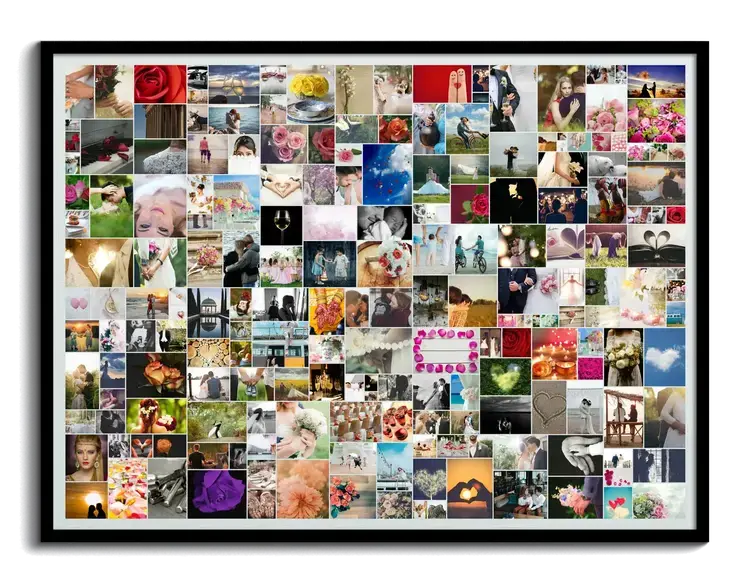
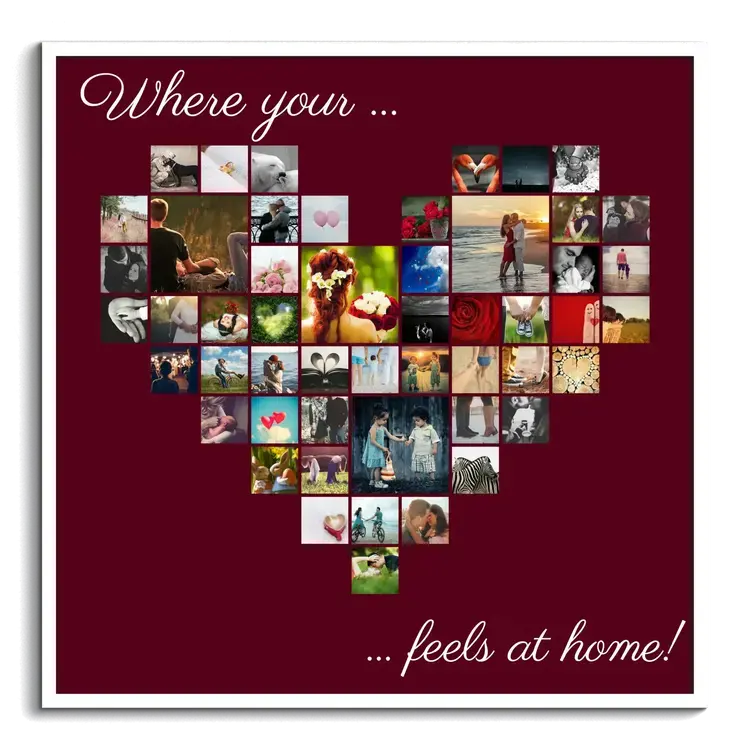
A heartfelt gift idea: a heart-shaped photo collage
If you want to surprise someone you love with a special photo gift, our template for a heart-shaped collage is a perfect choice. There are so many ways to make it your own: photos from vacations together, a wedding, or your children or grandchildren turn this collage into a one-of-a-kind gift for the people closest to you.
Our heart template has room for 51 pictures, giving each photo its own moment to shine.
Create a heart collage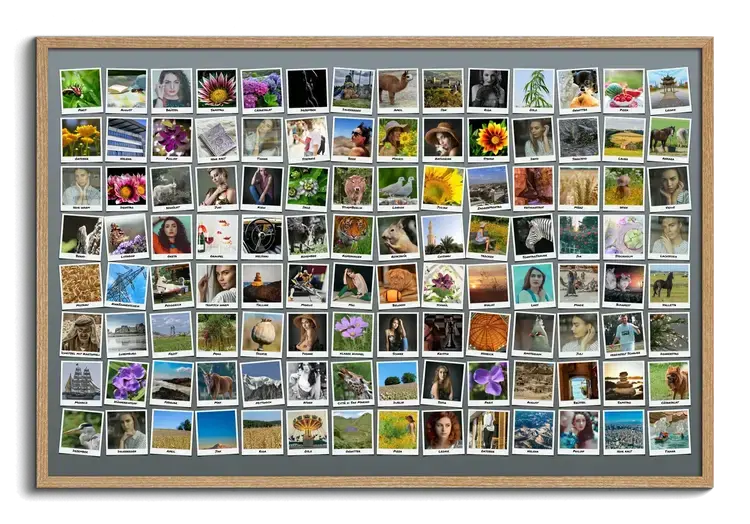
Polaroid-style grid collage with special messages
This unique collage offers more than just room for over 100 pictures – its Polaroid style lets you add a few thoughtful words to each photo. It's a lovely way to share heartfelt greetings and wishes with the recipient. Or create a collage of your favorite vacation photos and add captions with the place and date or a special memory from each destination.
Customize this design
Grid collage with portraits of your employees or team
Collages aren't just a great gift idea – you can also use them to showcase portraits of your employees and present your company at its best. With 225 square pictures, our grid collage has plenty of room to show the faces behind your company or brand without looking cluttered or overwhelming.
Customize this design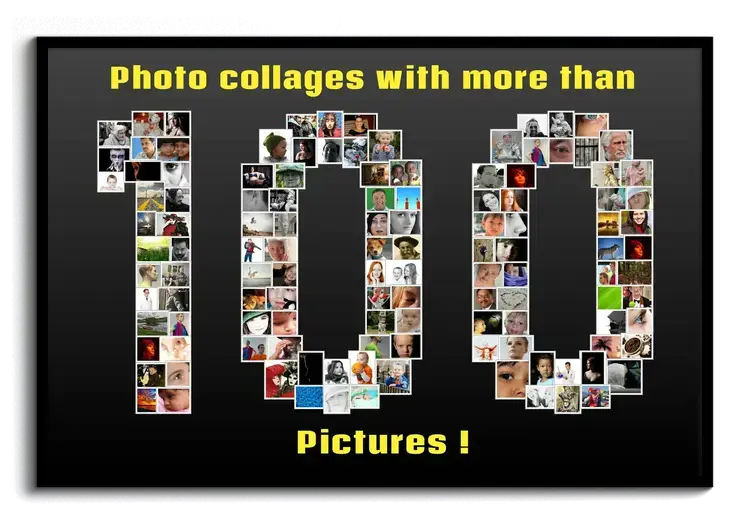
Number collage for a birthday or anniversary
Milestone birthdays, wedding anniversaries, and company anniversaries are truly special occasions that deserve equally special gifts. Why not celebrate with a number collage with lots of pictures? Our template lets you create any number from 0-9999. For larger celebrations with lots of guests, there's plenty of room for everyone to contribute more than one photo and create a truly unique collage. Use photos from different stages of life, for example, or let your collage double as a creative alternative to a guest book.
Customize this designHave your own idea? These layouts work well with lots of pictures
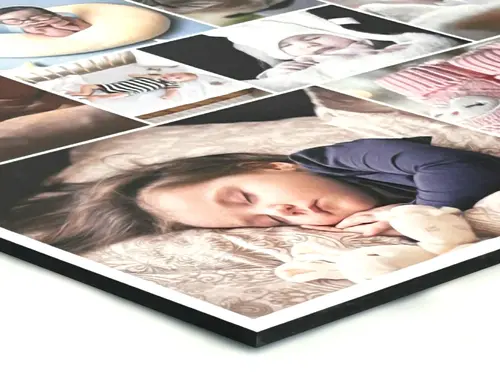
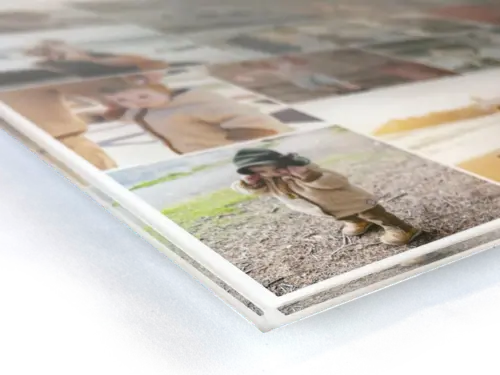
We print your picture on canvas, acrylic glass, aluminum composite, or as a poster
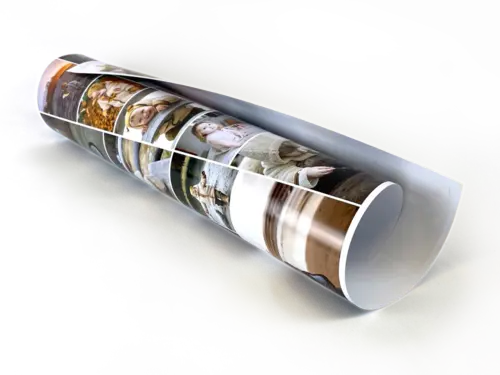
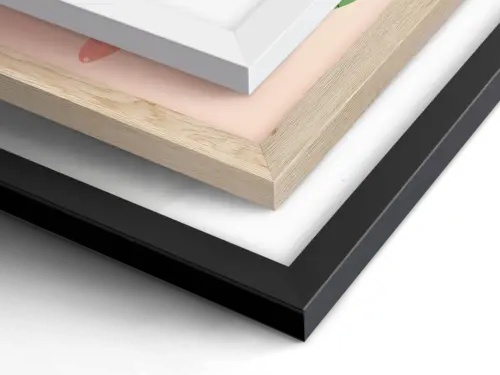
We work with a local photo printing partner to print your photo collage in a variety of sizes and formats, with outstanding image quality. For a premium look and vibrant colors, choose aluminum composite or acrylic glass, while canvas and poster prints are especially well suited to large collages.
But your collage doesn't have to be a canvas or poster print. Easily create your photo collage with our app, download it as a high-resolution JPG, and have it printed on other creative photo gifts, such as mugs, pillows, or T-shirts.


Delivery & Payment
No empty promises: the preview shows the actual delivery times of the last 30 days – when your order usually arrives and when it will be there at the latest.

- No customer account needed
- Production starts right after payment
- Shipping fully insured
Pay securely with:






Frequently asked questions about collages with lots of pictures
How many photos fit in one collage?
It depends on the template: a grid can hold more than 200 photos, rows can hold over 100, the heart template holds 51 pictures, and a number collage uses dozens of photos to form the number. You can adjust the number of pictures in each template yourself.
The photos are on several phones – how can we get them all into one collage?
Upload your photos directly from your computer or phone – even HEIC photos from an iPhone, without converting them first. To include pictures from friends or family, have a link to the collage emailed to you and simply forward it. This lets several people add photos to the same collage at the same time.
Will individual photos still look sharp with so many pictures?
What matters is how large each individual photo will be printed. On the order page, the “i” icon next to each print size shows you the exact dimensions of the individual photos in centimeters. The more photos you include in a collage, the smaller each one will be printed – so a larger print size is a good choice for collages with lots of pictures.
Tip: Upload the originals from your phone, not copies sent through messaging apps – those are often reduced significantly in size.
Can I choose the order of the photos?
Yes. Name your photo files accordingly, then fill the collage using »Fill → Sort by name« – your photos will then appear in alphabetical order.
For answers to questions about using the designer, visit our Collage Designer Tips & Help.
🤔 Still have questions?
Get in touch using our contact formDesign your collage with lots of pictures in just a few minutes
Choose a template, upload photos, and order your print. No software to install, no account needed.
Create Photo Collage NowPhoto collage ideas for more occasions
Did You Know?
Our passion is photos and personalized print products. Check out our other creative gift ideas: