






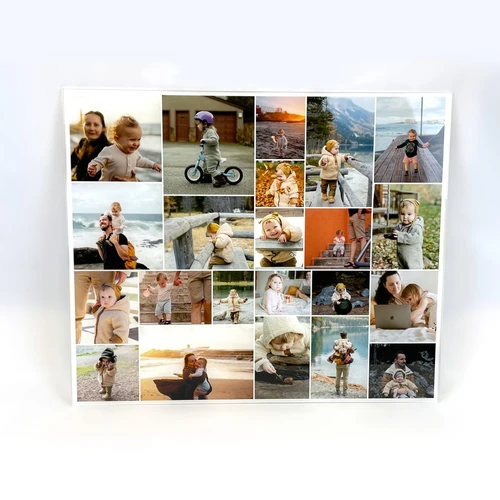

Photo Collage as Numbers or Letters
Personalized Photo Gifts with a Message
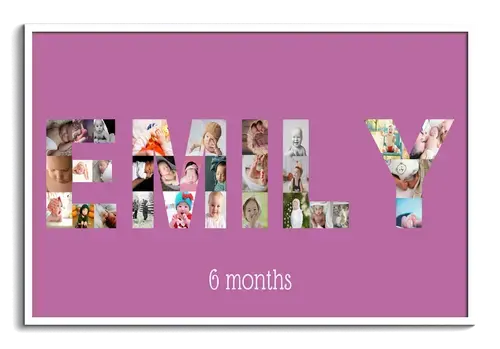
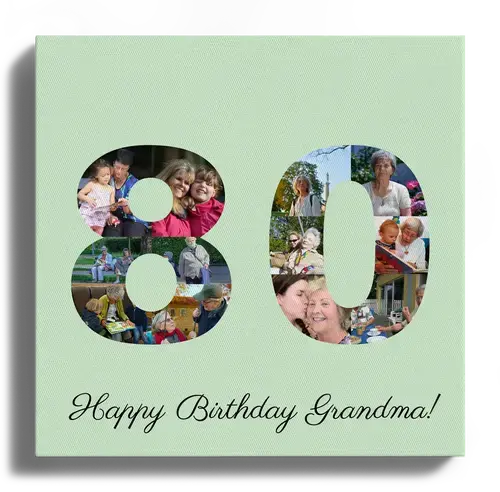
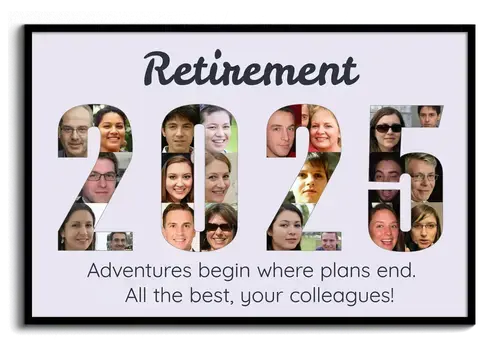
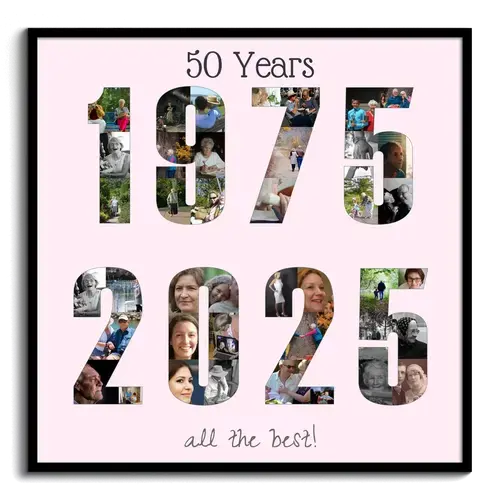
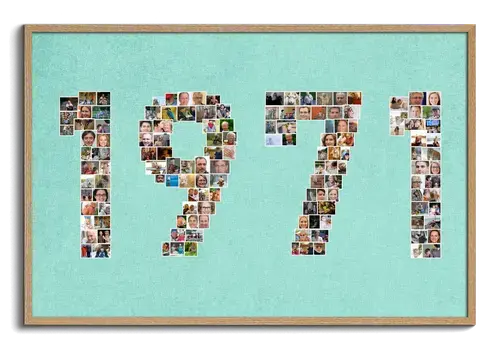
A photo collage as a letter or number with your name or a special date – it doesn't get more personal than that. Whether for a birthday, a colleague's farewell, or golden wedding anniversary of parents or grandparents. With our templates, turn your favorite photos into extraordinary artwork in no time!
Create Your Photo Collage in Minutes
With our designer, you can easily create your custom photo collage on a PC, tablet, or smartphone. Thanks to our creative templates, you no longer have to painstakingly arrange and manually align individual images.
The configurator offers numerous design options: You can use individual numbers and letters or entire words for your photo collage and distribute them over up to three lines. The preview automatically adjusts to your selection and shows how many photos will be used in your collage. The number of photos per letter or number is predetermined by the program and cannot be adjusted individually.

What to consider for a successful collage
Print Sizes and Format
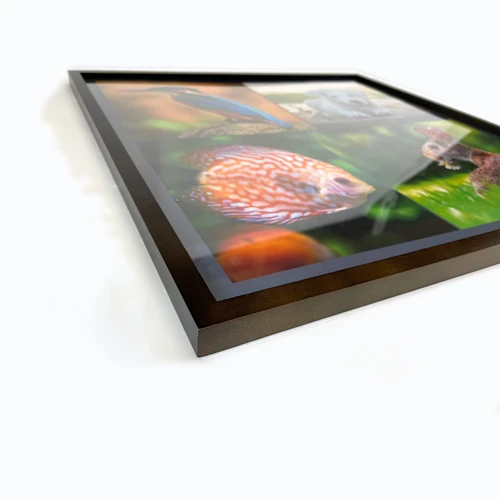
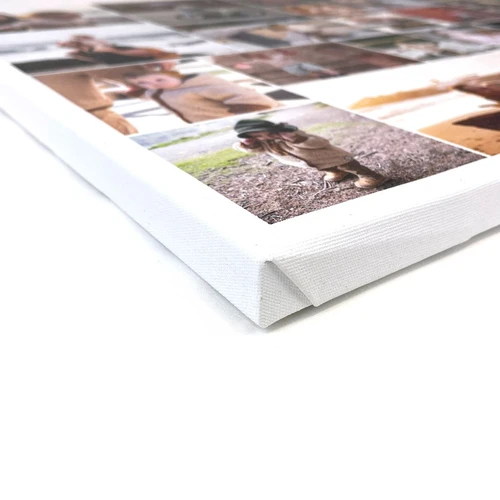
Decide whether the collage should be printed square or in landscape format and choose from various sizes and materials like canvas or poster.
If you select "automatic" for print orientation, it will adjust to the size of your text. However, this can significantly limit the available print sizes. Therefore, we recommend adjusting print orientation and size after entering your desired text. This way, other print sizes will also be available.
Customization:
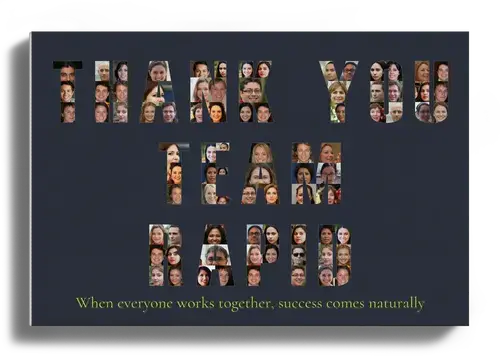
Optionally, you can add a custom text as a title or subtitle. Upload your favorite pictures now and position them automatically using the configurator or manually. Finally, adjust the background color and effects like black and white or sepia. Done!
Save Collage and Collaborate
Did you know that you can continue editing on another device at any time? We send you a link that allows you to open the current photo collage on any device. Perfect for uploading photos from your smartphone and doing the final editing on a larger screen. Invite friends or acquaintances to upload more pictures and participate in the design.
Format and Proportions Matter
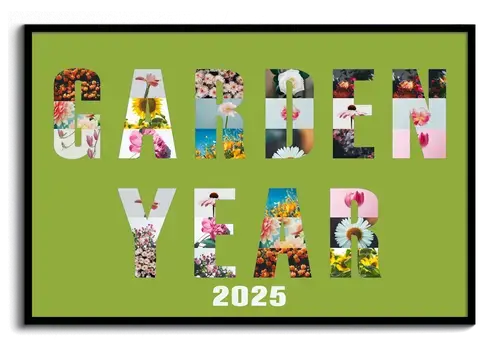
You can split your text or numbers into up to three lines, but you don't have to! Especially if the words and lines are of different lengths, the collage can look poorly proportioned. Three short lines often look better in a square format, while long words suit a landscape format.
So, try different variations and orientations and consider putting two words on one line instead of two. Keep in mind: the more letters or numbers, the smaller the individual photos will be. If you need more text, it's better to write it above or below the collage.
Don't Use Too Many Different Colors
The more numbers or letters you use in a collage, the more photos you need. If these contain many
different colors, the collage can quickly look busy and cluttered. Choose fewer complementary colors and
avoid bright background colors if unsure.
TIP: Use a black and white or sepia effect for the entire collage
or for individual photos if needed.
Use Similar Images
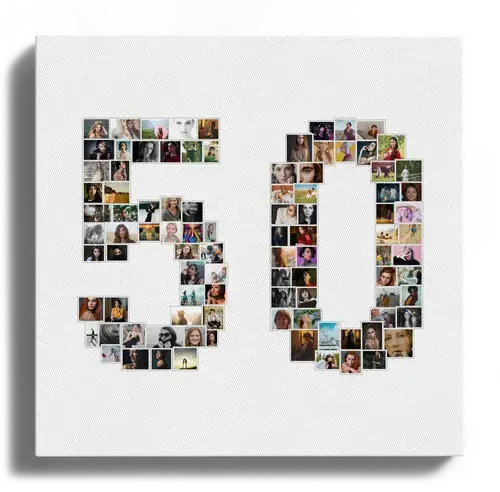
Finding suitable images for your collage isn't easy—especially when you want to depict entire names or words and need a lot of photos. If you also want to match colors, your options are limited. Our tip: use similar images. Often, we take several photos of one subject to capture different perspectives or to ensure at least one good shot. Use that to your advantage and use multiple images from a series. If that's still not enough, you can use individual images more than once (especially for longer words or numbers).
Arrange "Round" Letters Carefully
Letters like S, B, and G or numbers like 3, 6, and 8 contain many curves, which can make selecting suitable photos challenging. Parts of the photos can get cropped so that only half a face is visible. In this case, avoid close-ups and use photos with lots of background. This prevents important parts of the photo from missing and gives you more flexibility in editing. Remember, you can use images multiple times!
We have more great templates for you
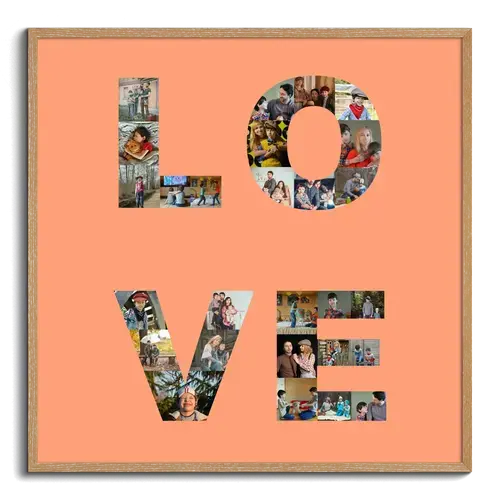
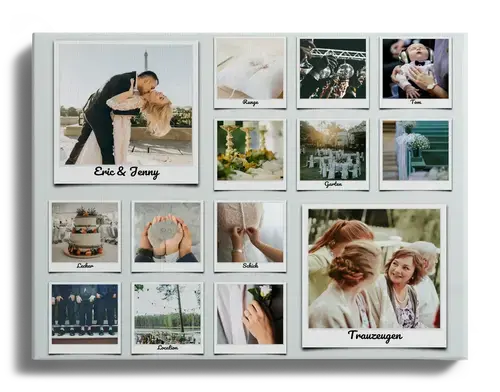
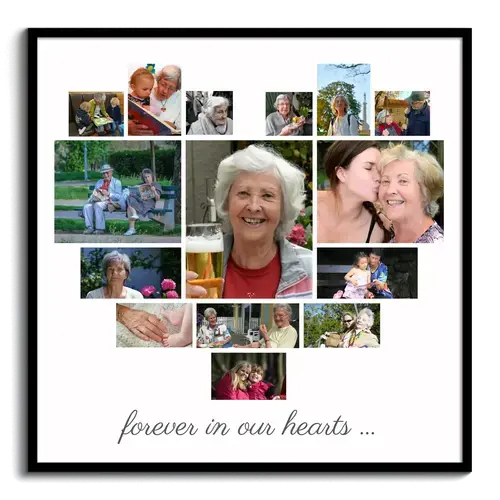
Have you discovered our other templates yet? How about a heart made from your favorite pictures - the perfect photo gift for your loved ones!

Customer Reviews
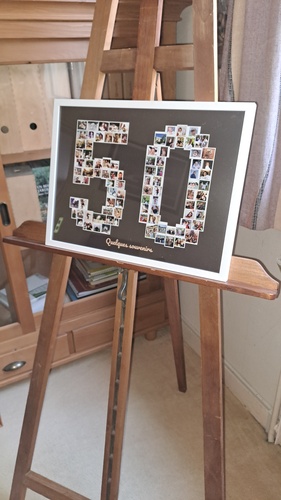
1 – The number 50 chosen as a composition holds 48 photos for the five and 48 photos for the zero, totaling 96 photos.
2 – The dimension of each photo is fixed but varies depending on its placement within the five and zero.
3 – In my selection of photos, either staged or already in JPG format, it was initially wrong to resize them. Indeed, depending on the photo's placement and the dimension at that placement, it's better to crop at each location, knowing that the size is already optimized by the system. It's possible to enlarge the size and center each photo.
4 – Photos can be placed randomly, by the name assigned to the photo, or by the capture date (note: these dates might be the transfer date to the computer and not the capture date).
5 – In order to achieve a timeline based on the event date, we chose an organization by renaming the photos from 01xxx.jpg to 96xxx.jpg.
6 - Photos from 01 to 48 are thus located within the number five, and those from 48 to 96 within the number zero.
7 _ The layout within the number zero posed a challenge because the photos were alternately on one side to the other and did not fit our path.
We wanted the right section to correspond to one child and the left section to another.
We could achieve this choice by switching photos in situ, but we preferred to renumber the photos according to their position.
8 – If a photo is unsuitable for the frame proposed by the system, it's easy to swap it with a more suitable spot by exchanging it with another, which was necessary for 2 photos.
Conclusion: we were able to achieve exactly what we wanted.
Did You Know?
Our passion is photos and personalized print products. Check out our other creative gift ideas: