




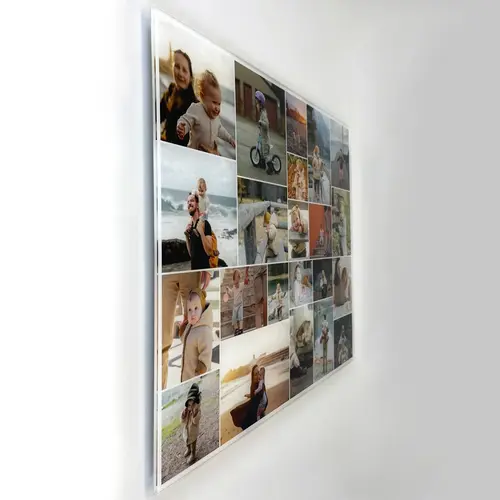
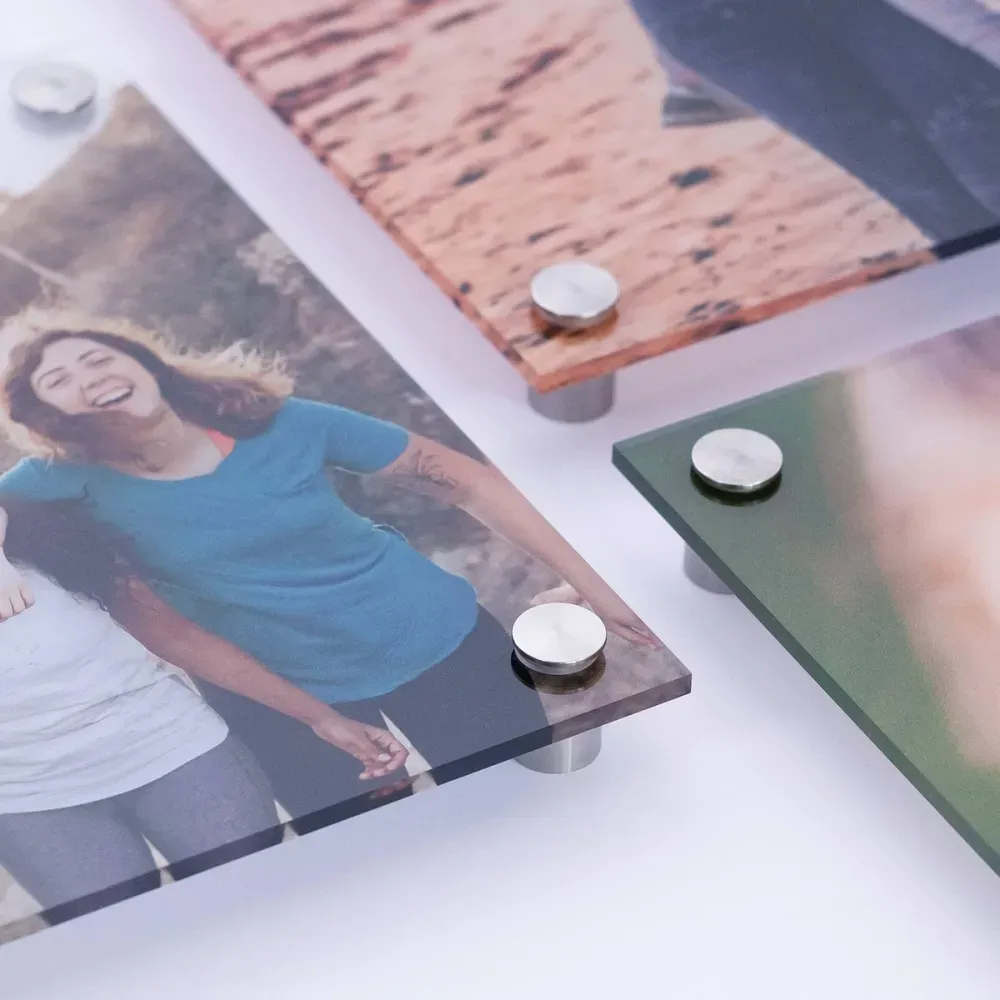
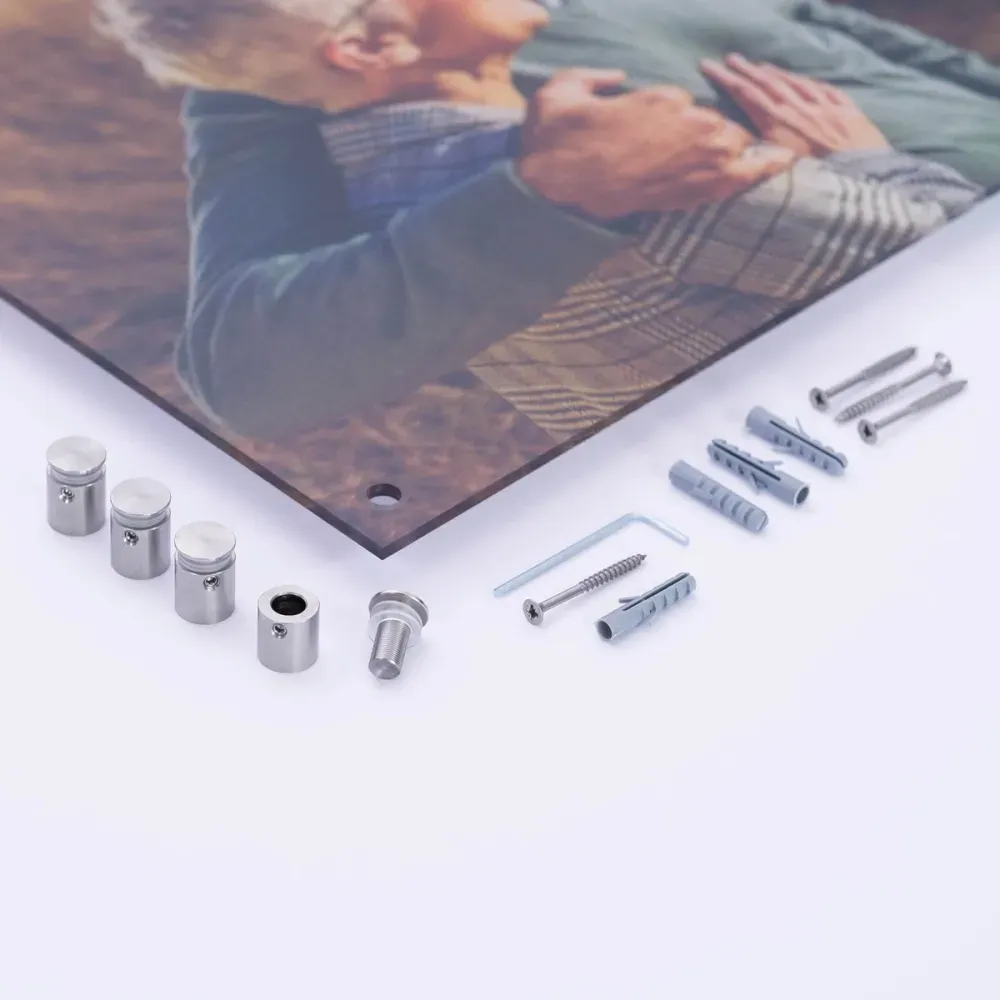
Photo Collage as a Number or Letter
Create your photo collage in just a few minutes
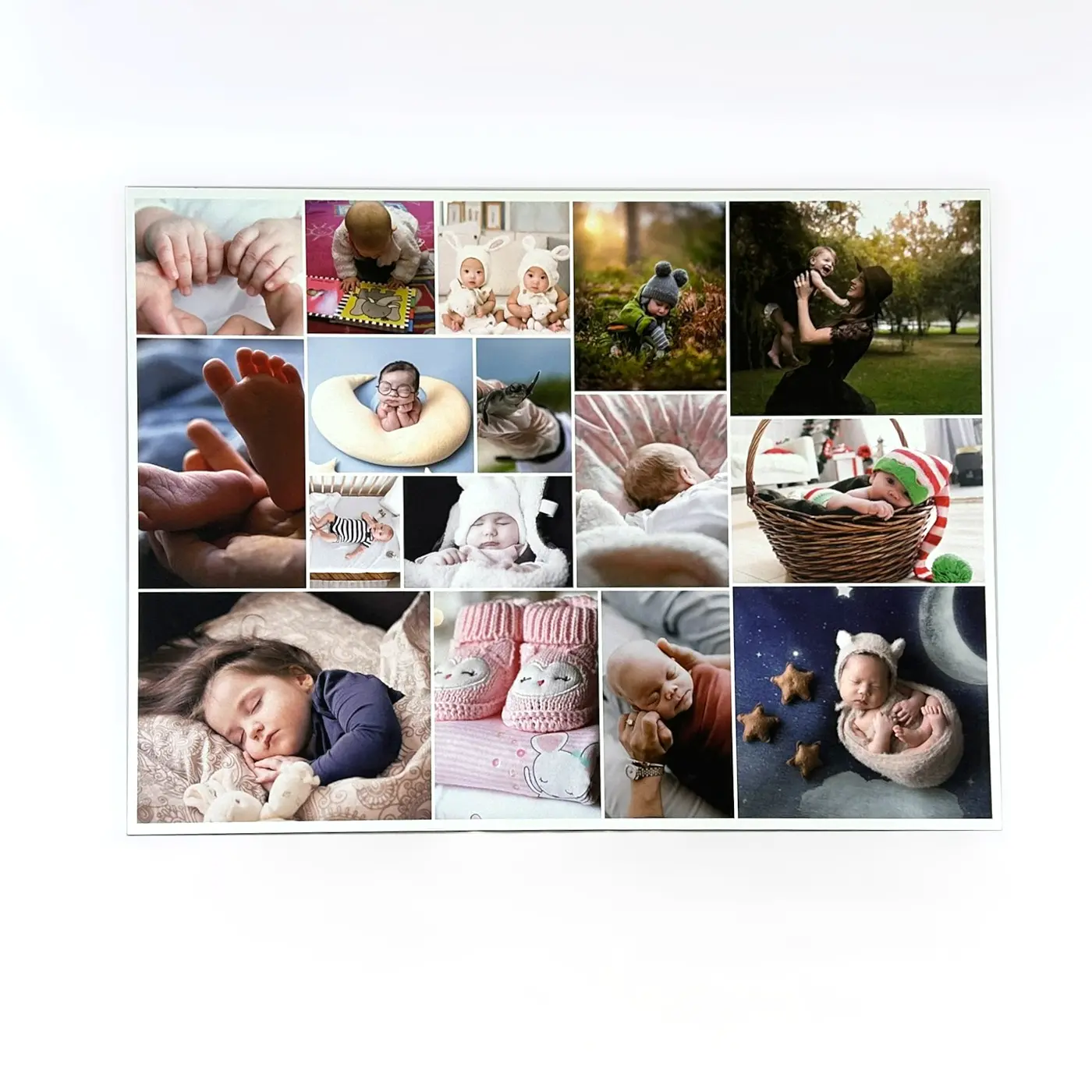
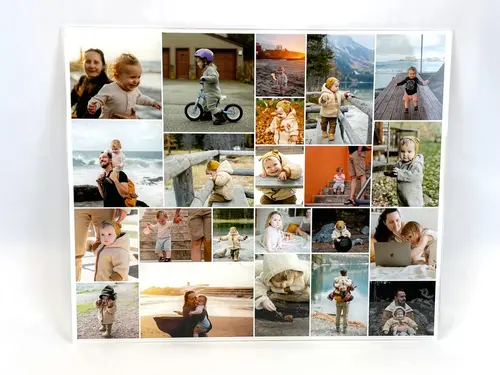
With our designer, you can easily create your own custom photo collage on a PC, tablet, or smartphone. Thanks to our creative templates, you no longer have to painstakingly arrange and align individual photos by hand.
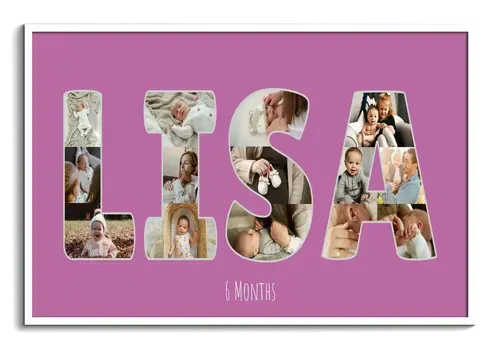
The configurator offers plenty of design options: You can use individual numbers and letters as well as entire words for your photo collage and arrange them across up to three lines. The preview automatically adjusts to your selection and shows you how many photos will be used for your collage. The number of photos per letter or number is set automatically by the program and cannot be adjusted individually.
Sample Collages as Numbers or Letters
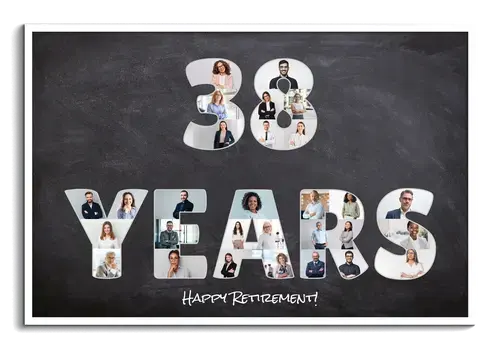
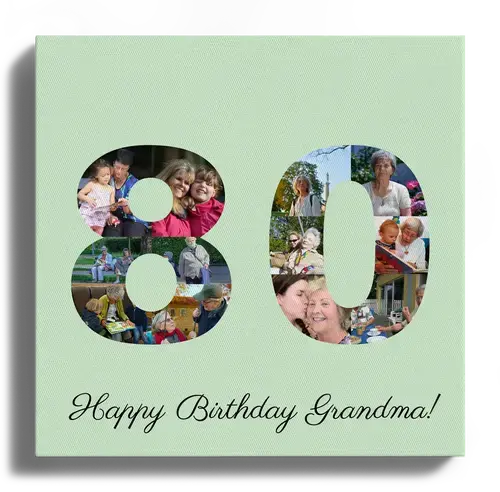
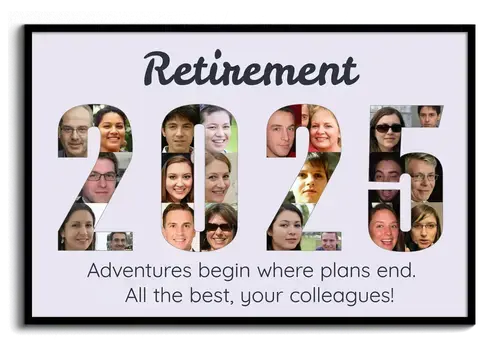
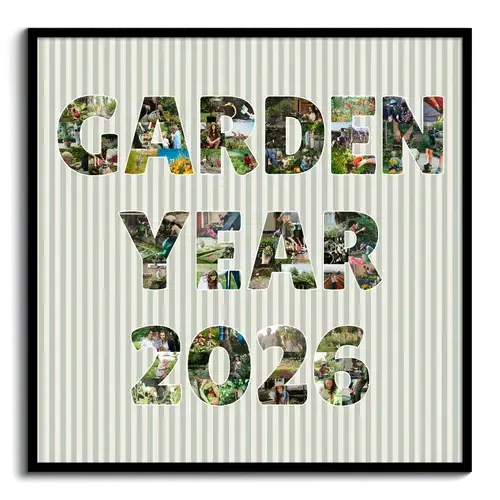
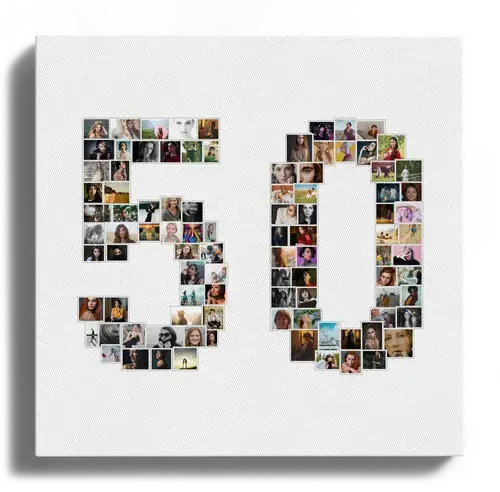
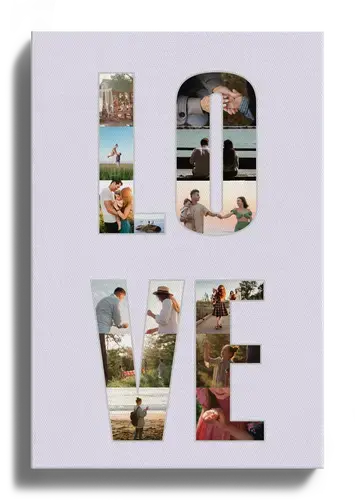
Get inspired by our examples. Click on a template to open it directly in the configurator and customize it to your liking.


Custom Photo Gifts with a Message
A photo collage as a letter or number with your name or a special date — it doesn't get more personal than that. Whether for a birthday, a colleague's farewell, or your parents' or grandparents' golden wedding anniversary. With our templates, your favorite photos become extraordinary works of art in no time!
What to keep in mind for a successful collage
Print sizes and format
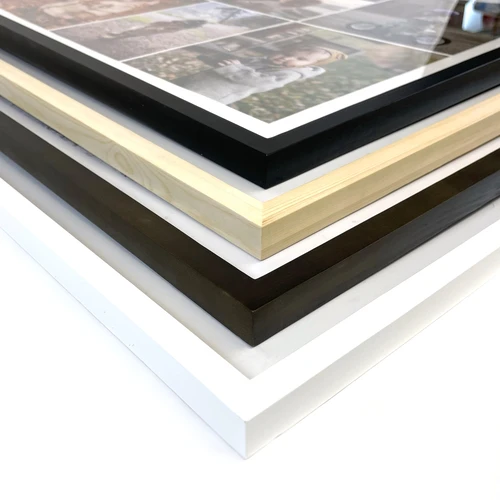
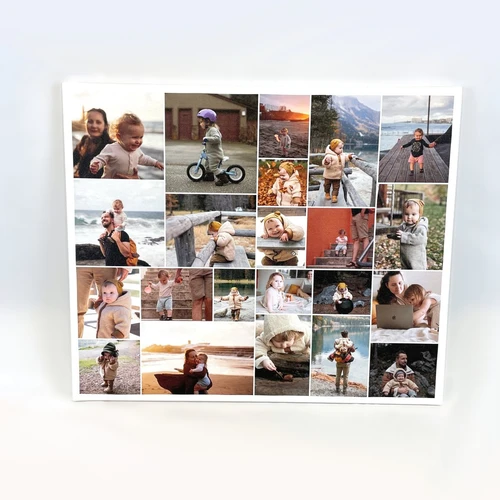
Decide for yourself whether the collage should be printed in a square or landscape format, and choose from various sizes and materials such as canvas or poster.
If you choose the print orientation “automatic,” it will adjust automatically to the size of your text. However, this can significantly limit the selection of available print sizes. That's why we recommend that you adjust the print orientation and size after entering your desired text. That way, additional print sizes will also be available.
Personalization
If you like, you can finish by adding custom text above or below the collage. Then upload your favorite pictures and position them automatically using the configurator or manually. Finally, adjust the background color and effects such as black and white or sepia. Done!
Save your collage and collaborate
Did you know that you can continue editing at any time on another device? We'll send you a link that lets you open your current photo collage on any device you want. Perfect for uploading photos from your smartphone and doing the final edits on a larger screen. Invite friends or family to upload even more pictures and take part in the design process.
Format and proportions matter
You can split your text or numbers across up to three lines, but you don't have to! Especially when words and lines vary in length, the collage can end up looking poorly proportioned. Three short lines usually look better in a square format, while long words are better suited to landscape format.
So try out different variations and orientations, and if needed, place two words on one line instead of two. Also keep in mind: the more letters or numbers you use, the smaller the individual photos become. If you want more text, it's better to place it below or above the collage.
Don't use too many different colors
The more numbers or letters you use in a collage, the more photos
you'll need. If those photos contain lots of different colors, the collage
can quickly look busy and cluttered. It's better to choose just a few
complementary colors and, if in doubt, avoid bright background colors.
TIP: Consider
using a black-and-white or sepia effect for the entire collage
or for individual photos.
Use similar images
It's not easy to find suitable images for your collage — especially if you want to display full names or words and therefore need a lot of photos. If you also want matching colors, your selection becomes even more limited. Our tip: Use similar images. We often take several photos of the same subject — to capture different perspectives or to make sure there's at least one good shot. Take advantage of that and use multiple pictures from one series. If that's still not enough, you can also use individual images more than once (especially for longer words or numbers).
Arrange “rounded” letters especially carefully
Letters like S, B, and G or numbers like 3, 6, and 8 contain a lot of curves, which can make it harder to choose suitable images. Parts of the photos get cropped, so suddenly only half a face may be visible. In that case, avoid close-up shots and use photos with plenty of background instead. That way, you can prevent important parts of the photo from being cut off and give yourself much more flexibility when editing. Remember that you can use pictures more than once!
We have even more great templates for you
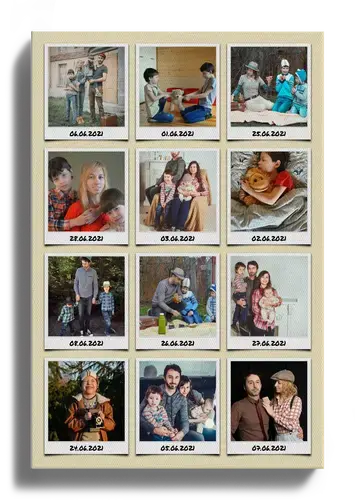
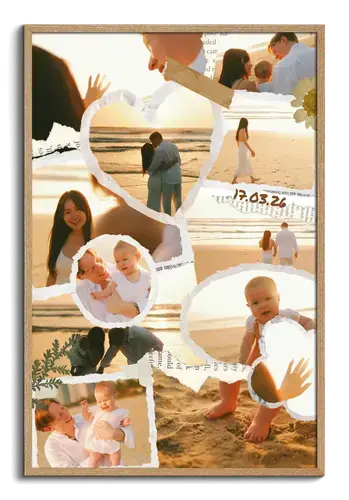
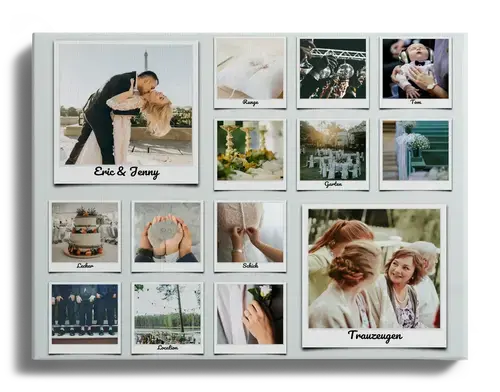
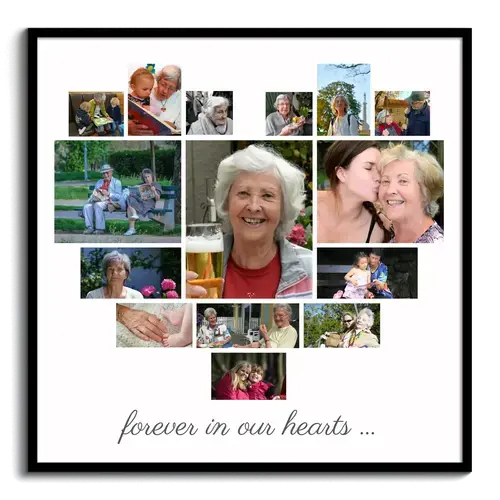
Have you already discovered our other templates? For example, how about a heart made from your favorite pictures — the perfect photo gift for your loved ones!


Customer Reviews
I am very satisfied and would create another collage here.
Did You Know?
Our passion is photos and personalized print products. Check out our other creative gift ideas: