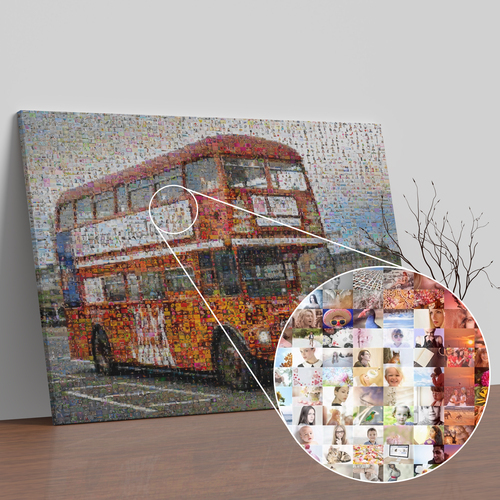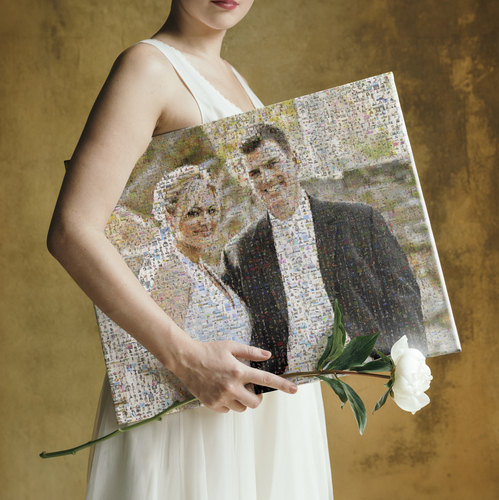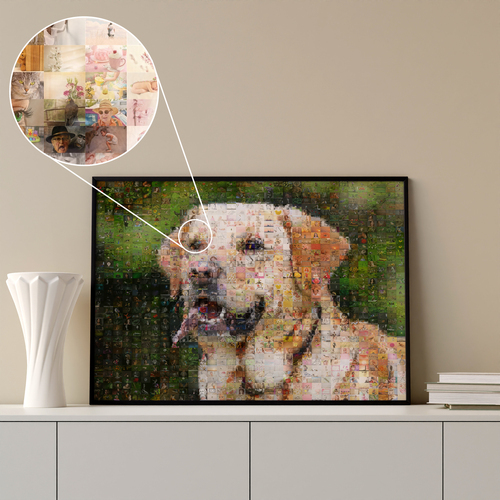
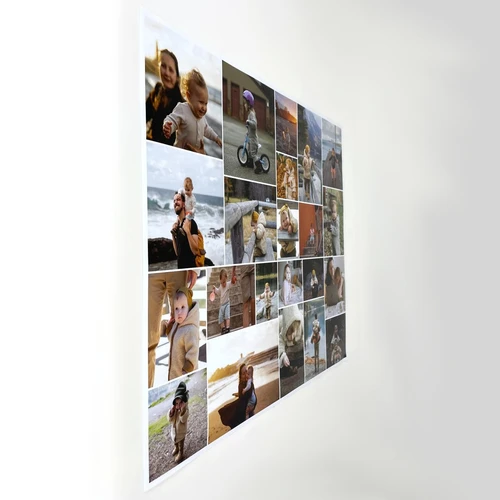



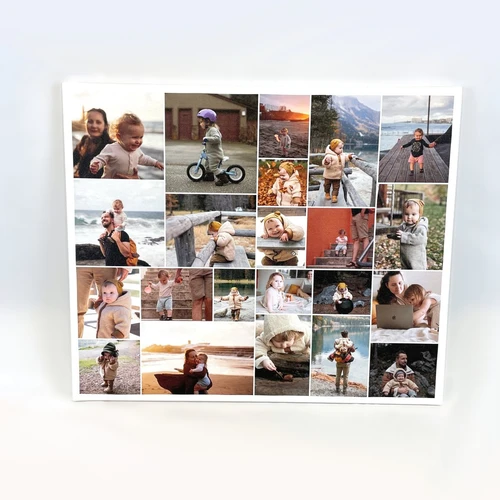

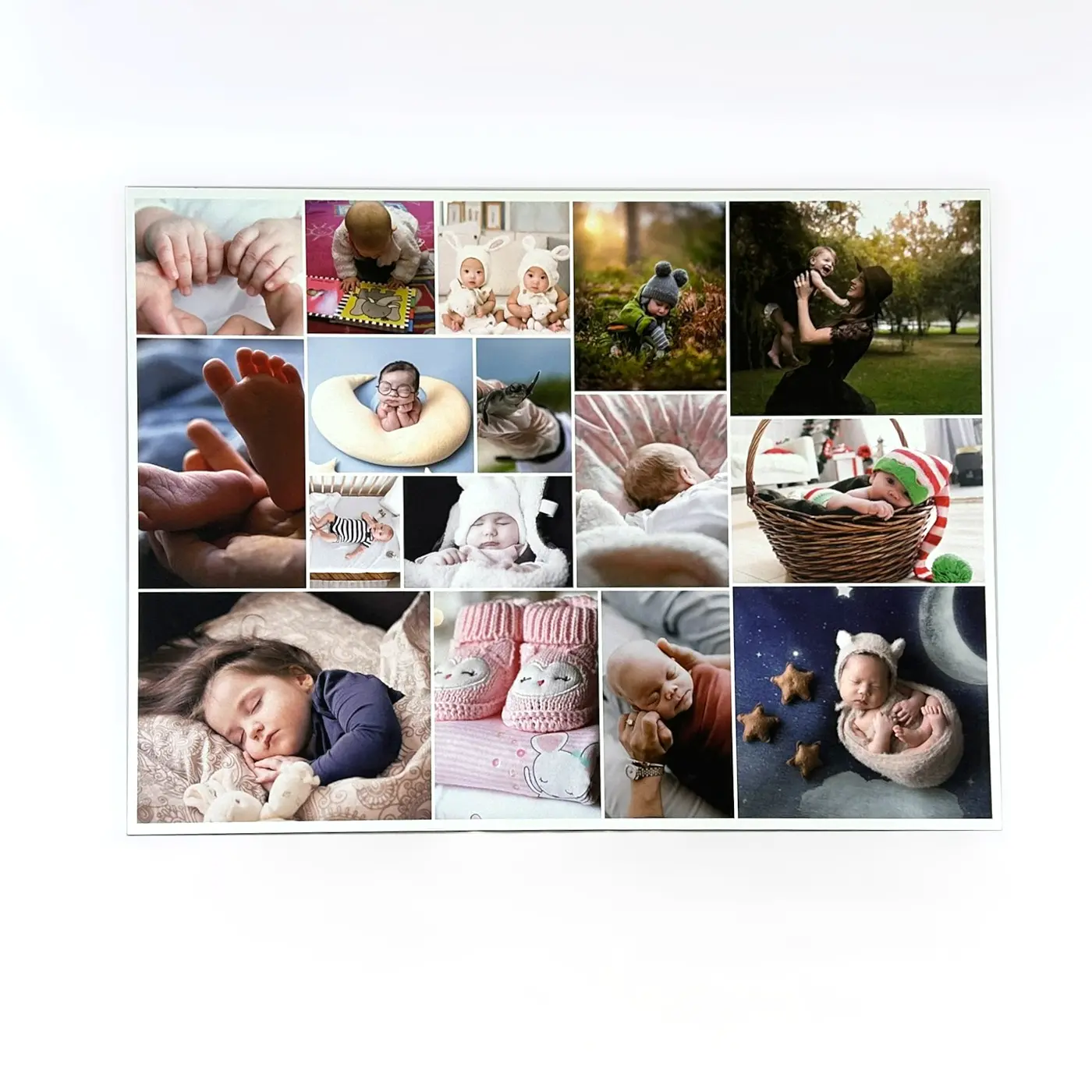

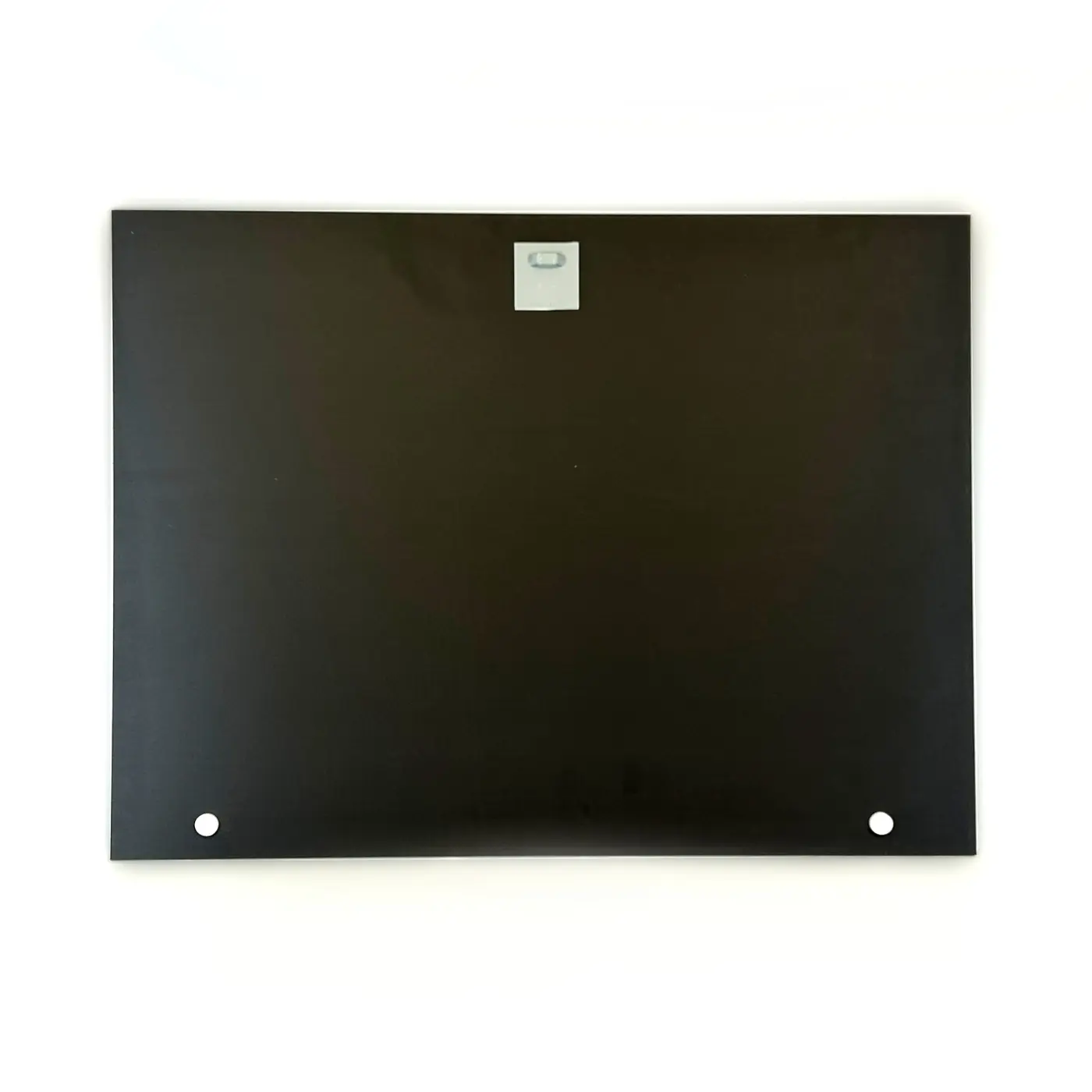
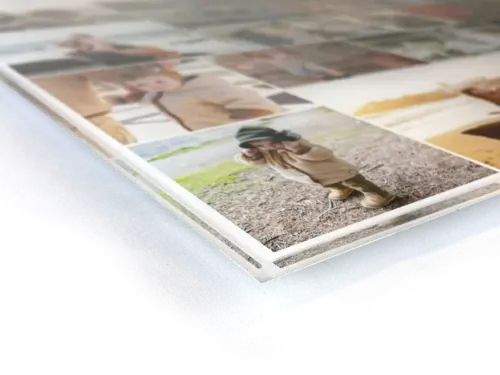
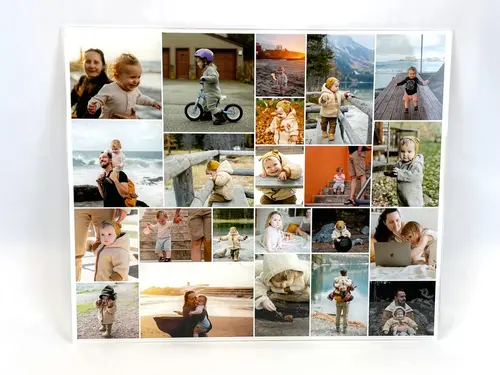
Photo Collage Grid with Variation
Add Highlights with Your Photos
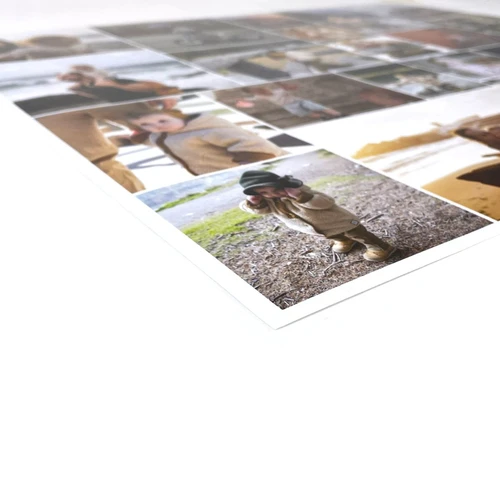
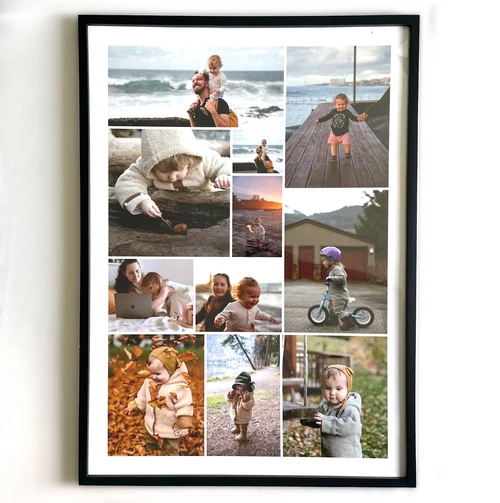
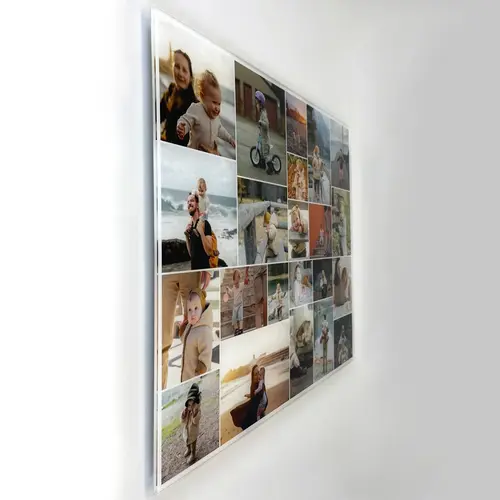
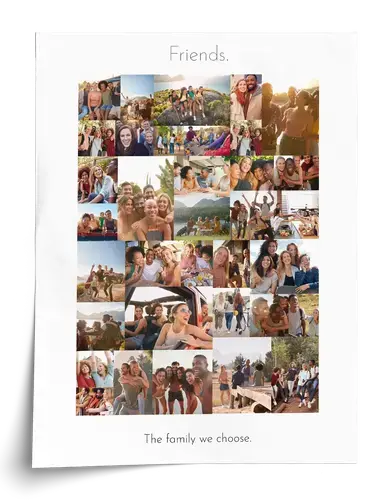
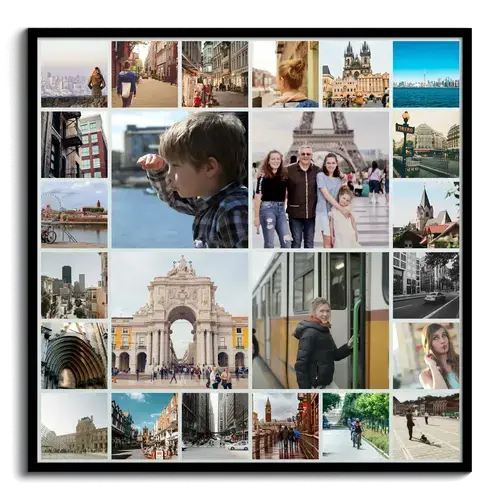
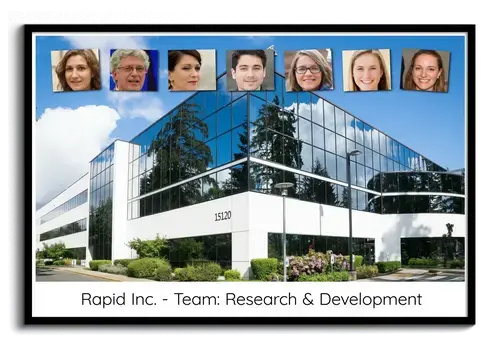
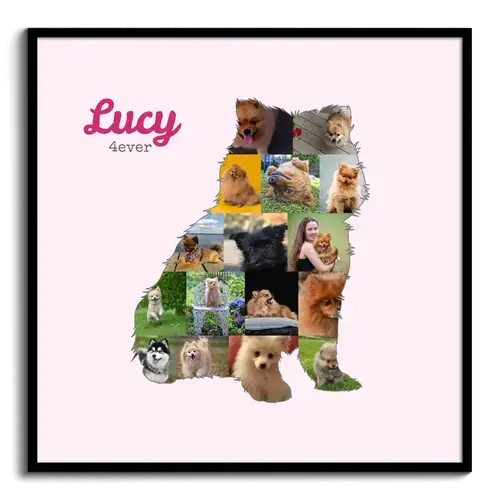
You like the classic layout, but still want to make certain photos stand out? Then the grid with variation is exactly the right template for you! Use your favorite photos as special highlights to give your collage that extra touch. There is room for up to 79 photos here. Share joy with a personalized photo gift or order a collage for your own home.
Sample Collages
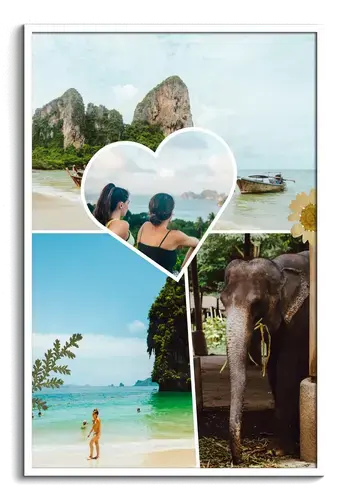
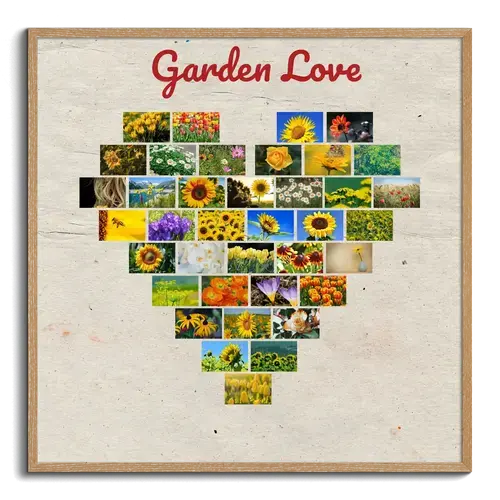
Click on one of the sample collages shown here to open it here in the template configurator.
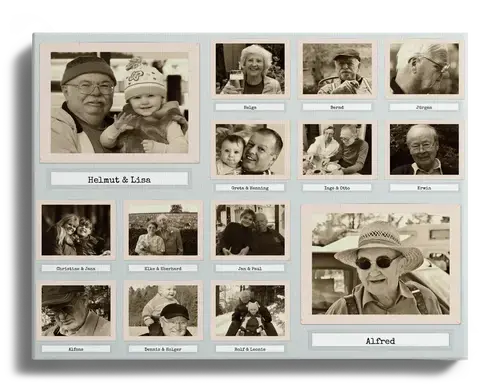
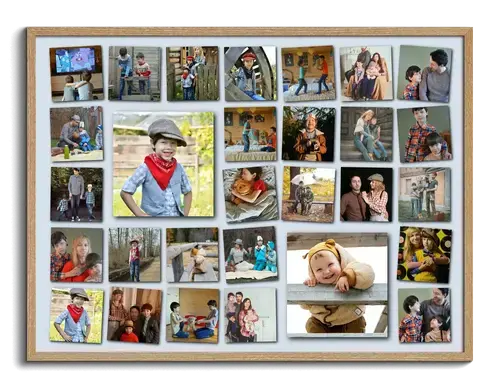
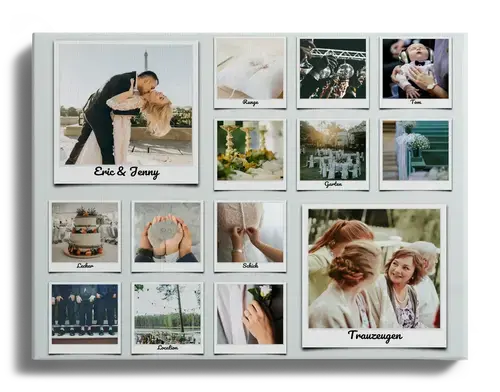
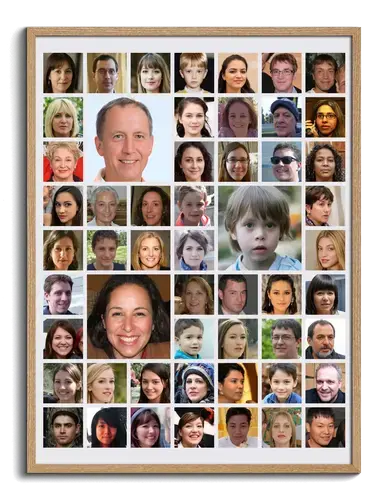
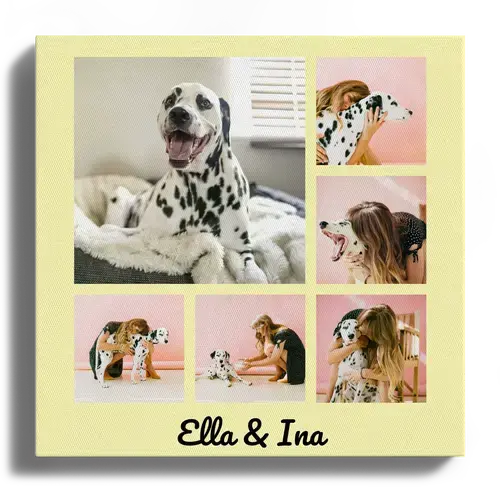
Our Configurator Offers You Plenty of Design Options
Creating your own photo collage is incredibly easy – on your smartphone, PC, or tablet, with no software download required. You can pause editing at any time, continue on another device, and even work on the collage together with others.
The grid template can be customized entirely to your preferences. Set the number of rows and columns – the preview automatically adjusts to your selection and shows you how many photos will be used in your collage (up to 79 photos are possible). You can also choose between two layout variations.
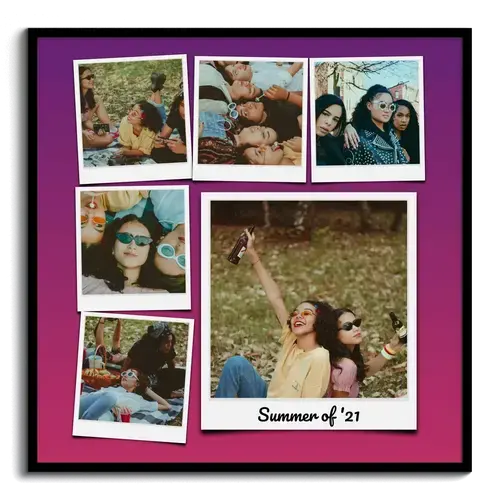
Various designs such as Polaroid, Standard, or Old Photos are available, and you can add text above and below the collage.
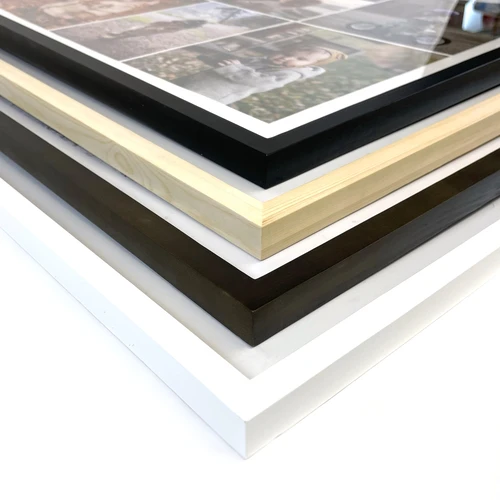
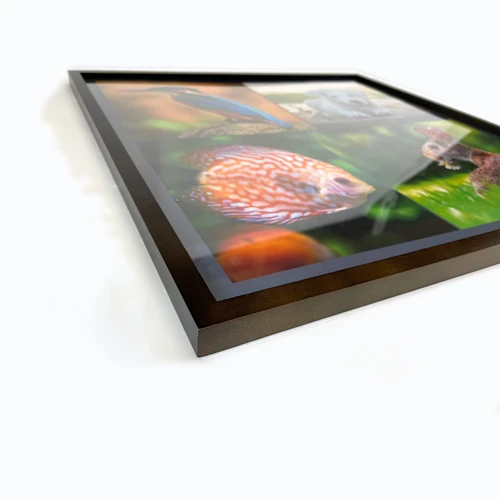
Now upload your favorite pictures and adjust the image positions and crops. Use photo effects like black and white or sepia on selected photos or the entire collage. We print your collage in the desired size on materials such as canvas and poster or provide it as a high-resolution JPG file for download.
Our Tips for a Successful Collage
This template offers numerous design options and can therefore be adapted especially flexibly to your wishes. Still, there are a few things you should keep in mind to make sure your collage turns out great.
Preselect Your Images
The templates in the grid layout use the same format for all photos: in other words, all photos are either square, portrait, or landscape. So think in advance about which images you want to use in your collage. This makes it easier to choose a suitable layout, because not every photo works well in all three formats.
If you choose the “Standard” or “Shadow” image style, you can define the image format yourself. “Polaroid” and “Old Photos” use fixed formats that cannot be changed.
Would you like to use photos with different formats in your collage? Then our freeform layout templates or Rows are exactly what you need!
Which Print Orientation Works Best?
Which print orientation is right depends both on the number of rows and columns and on the format of your photos.
Automatic
If you choose the print orientation “automatic,” it will adjust accordingly to the number of rows and columns.
Portrait, landscape, or square:
Regardless of the number of rows and columns, the print orientation always remains the same.
For a collage that has more columns than rows and also uses landscape-format photos, landscape orientation is usually the best choice. Feel free to experiment with the different options and image formats here. Keep in mind, however, that not all print sizes are available for every orientation.
Ideas and Inspiration for Your Photo Collage
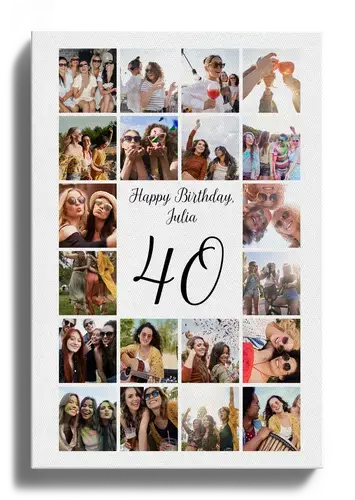
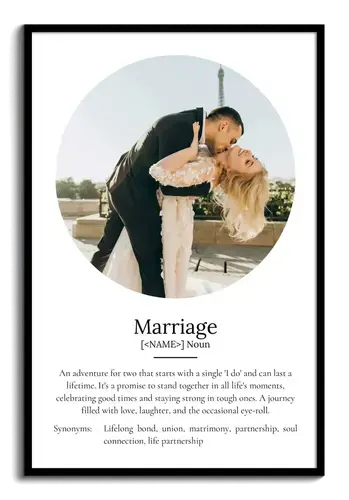
Don’t have an idea yet for how you want to design your collage? No problem, because we have put together some template designs for inspiration. If you see something you like, you can open and configure the corresponding template with just one click.
We Have More Great Templates for You
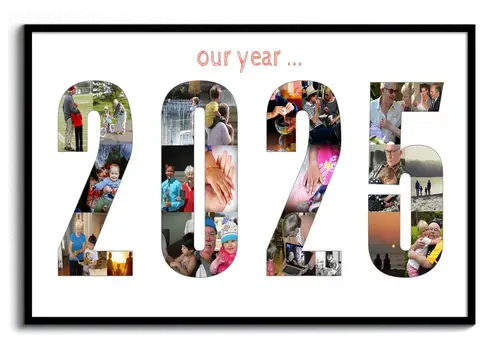
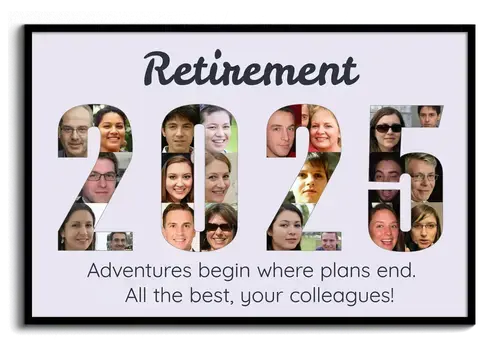
Have you already discovered our other templates? For example, how about turning your photos into a number? The ideal photo gift for a birthday or company anniversary!


Customer Reviews
Did You Know?
Our passion is photos and personalized print products. Check out our other creative gift ideas: