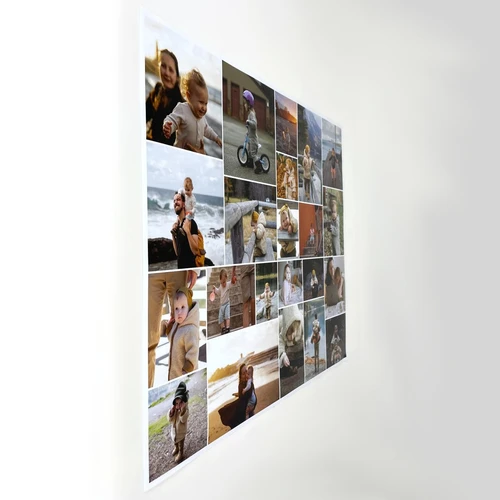

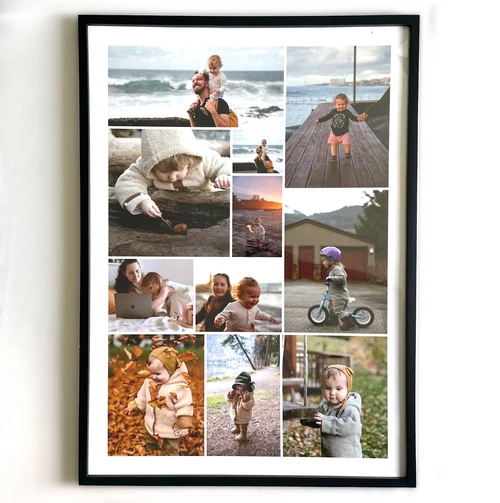


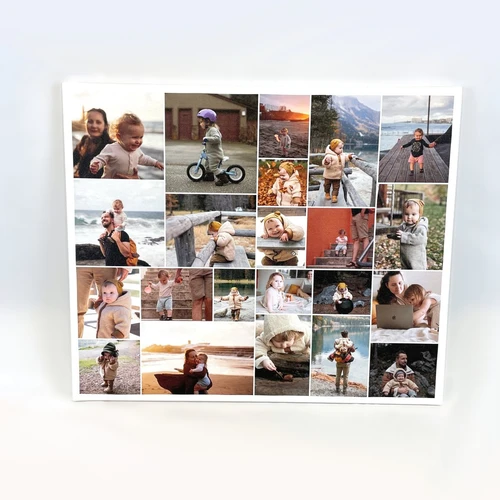

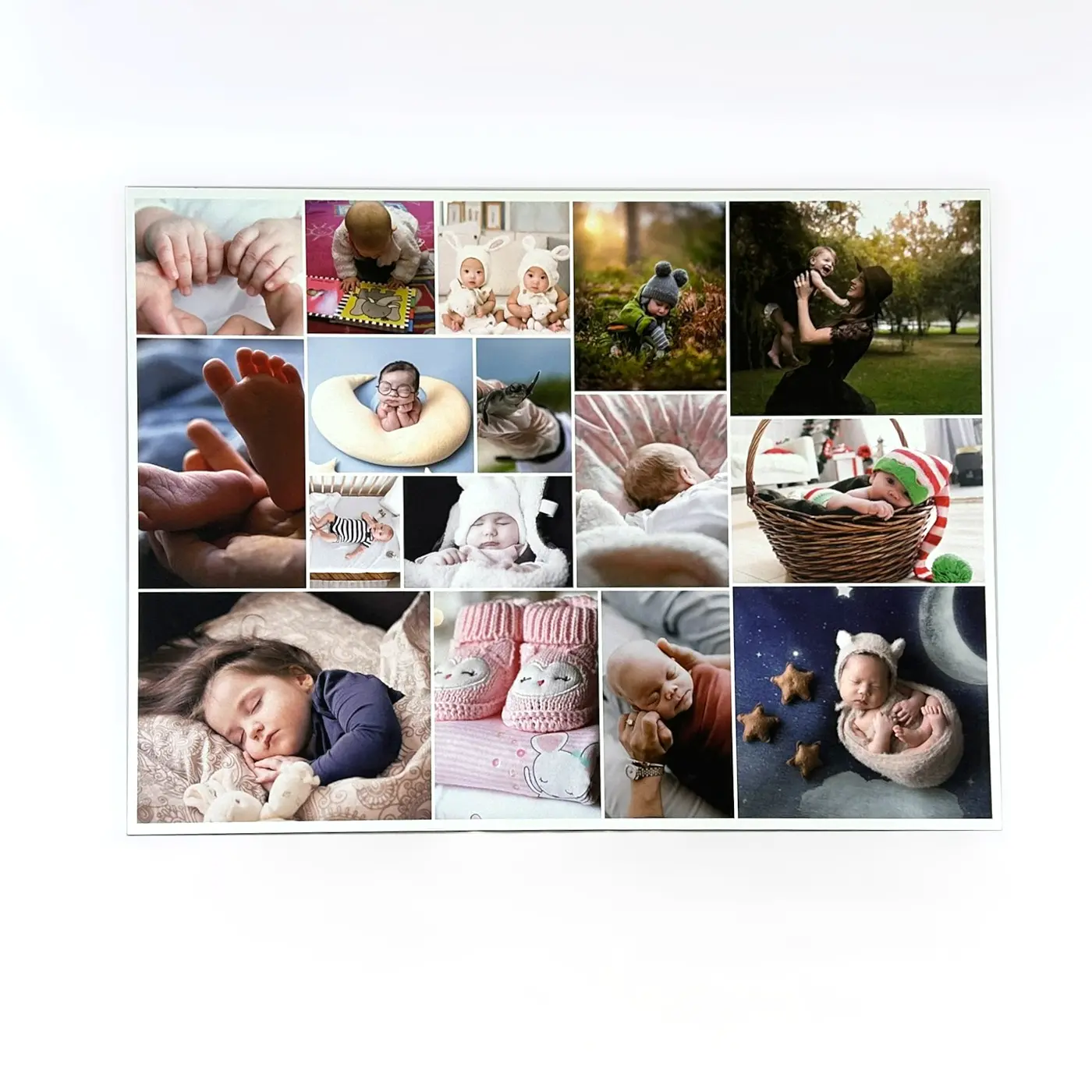

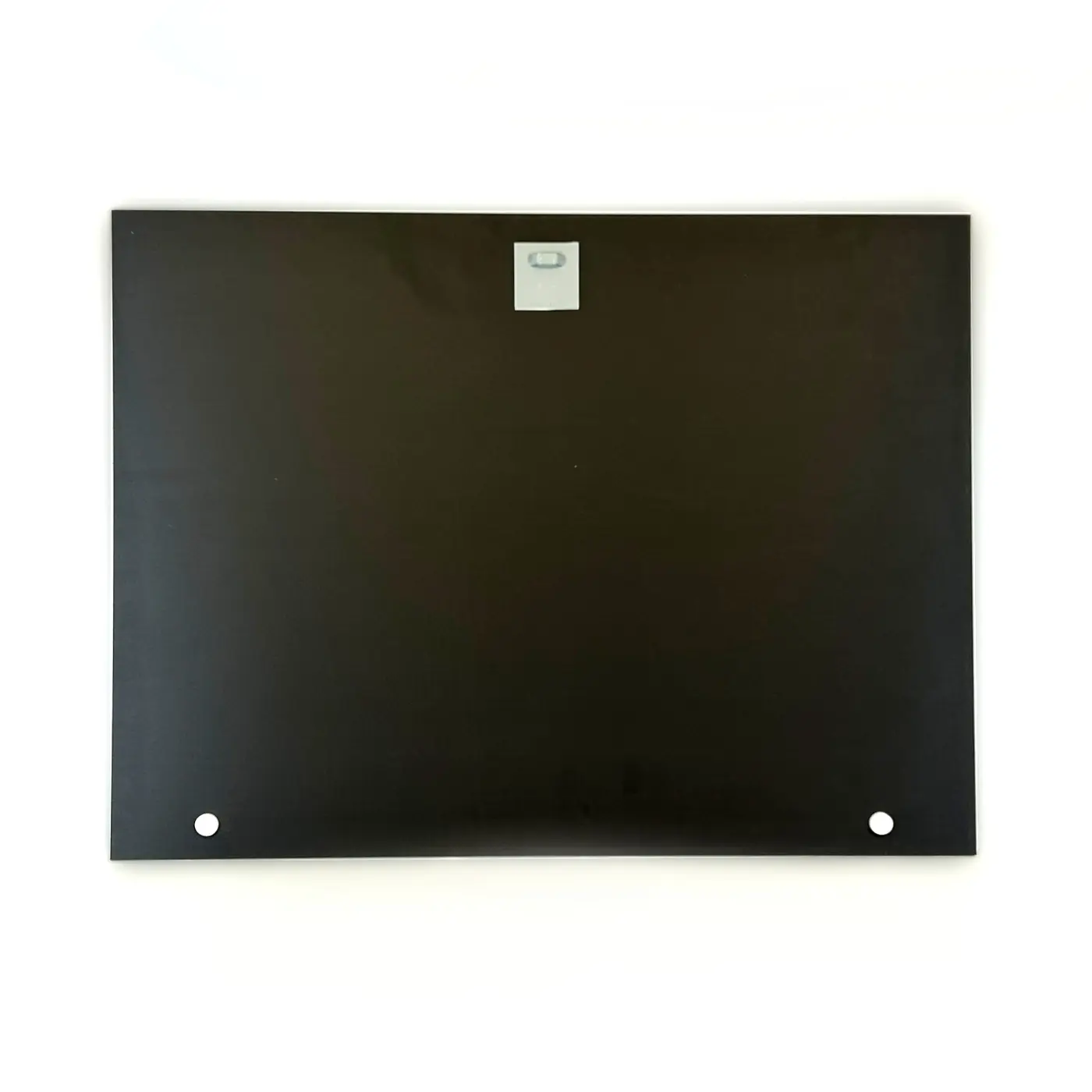
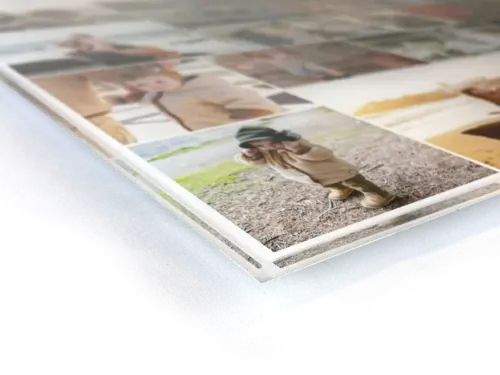
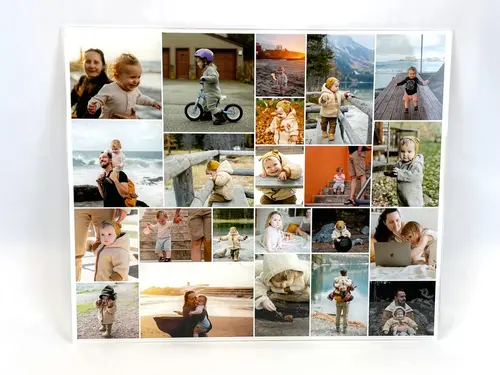
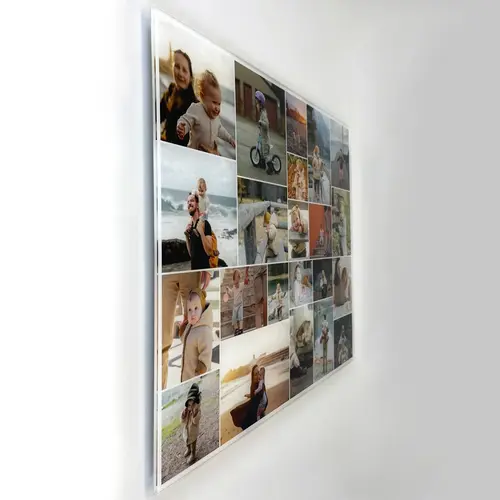
Grid Photo Collage
The classic photo collage…
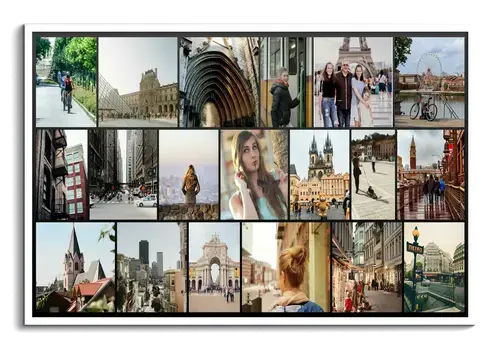
...doesn’t have to be boring at all! Whether clean, playful, or in a Polaroid style, with two, four, or up to 225 pictures – create your photo collage with our templates exactly the way you want it. In just a few minutes, your favorite photos become extraordinary works of art and creative photo gifts.
Example collages
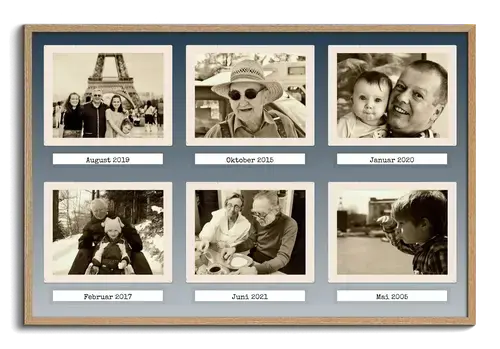
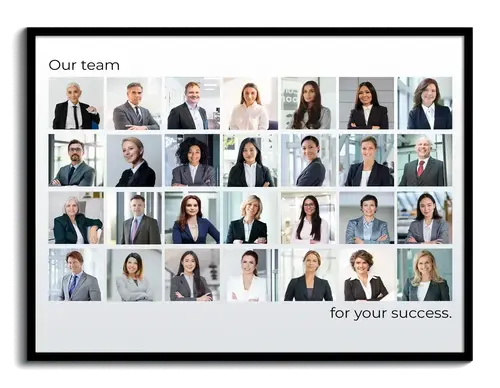
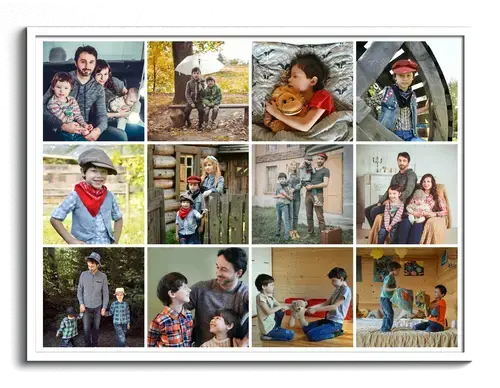
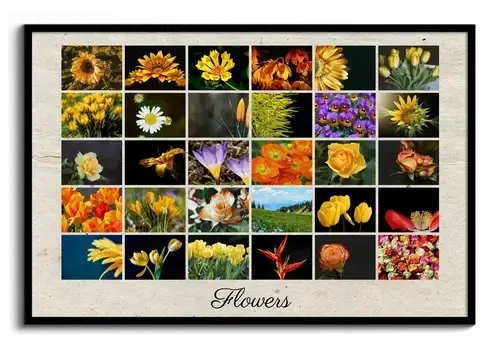
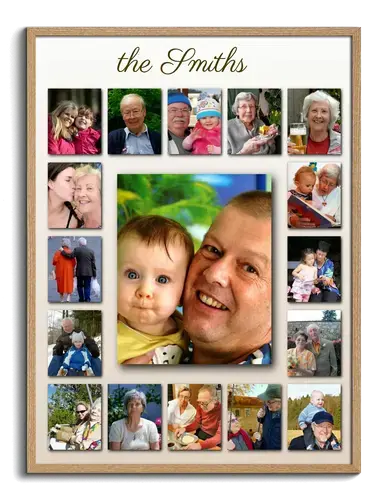
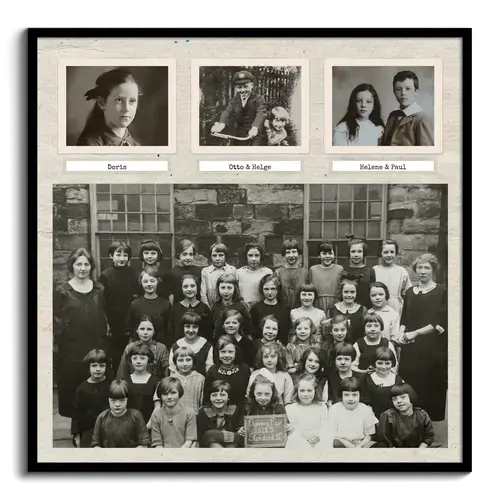
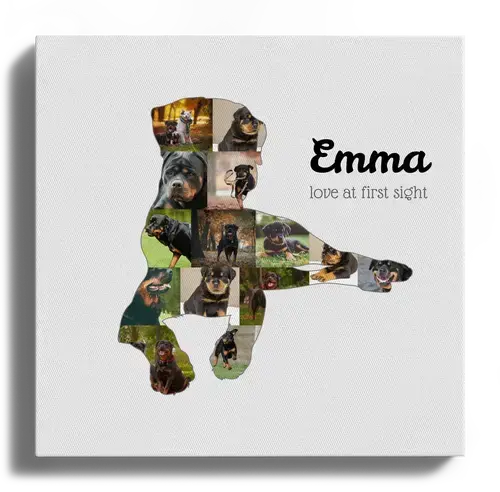
Click on one of the example collages shown here to open it in the template configurator.
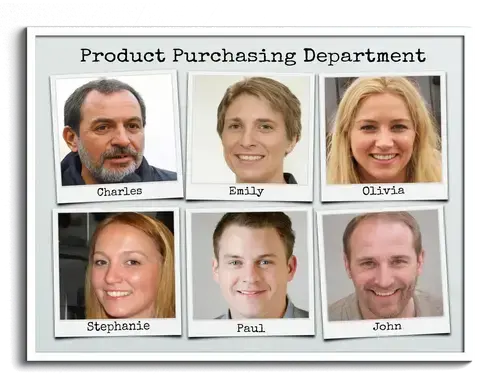
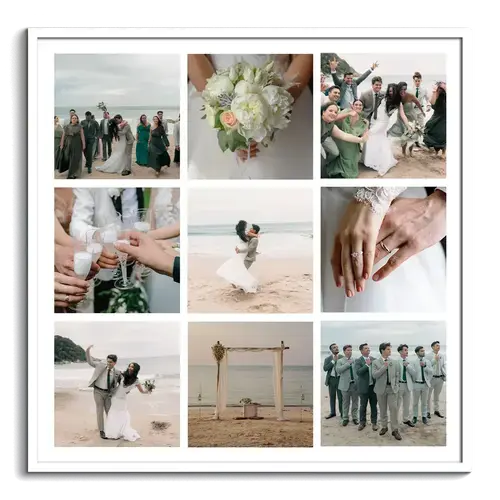
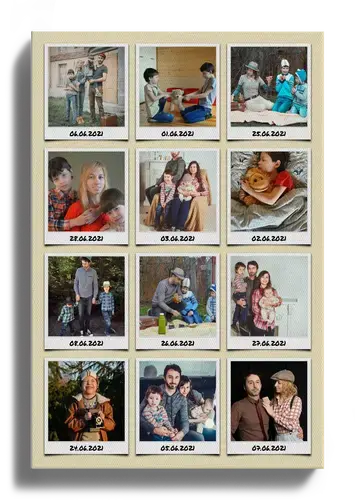
Customize your collage design in just a few steps
With our tool, you can easily create your own photo collage, whether on a PC, tablet, or smartphone. You can pause your project at any time and continue on another device – with no software download required. Best of all, you don’t have to painstakingly arrange each image by hand – our configurator takes care of that for you.
Take advantage of the many customization options: depending on how many photos you want to use in your collage, you can set the number of rows and columns individually. Choose from different designs such as Polaroid, Standard, or Retro. You can also add custom text above and below the collage if you like.
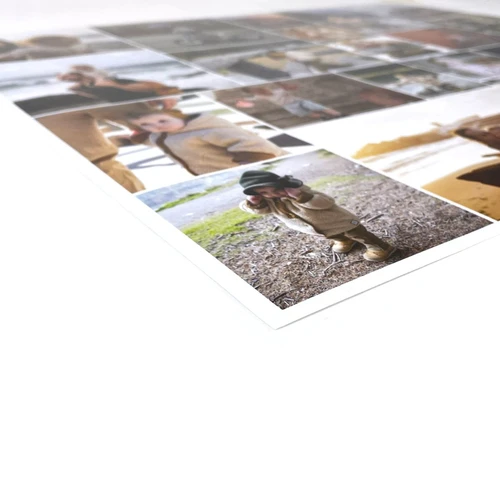
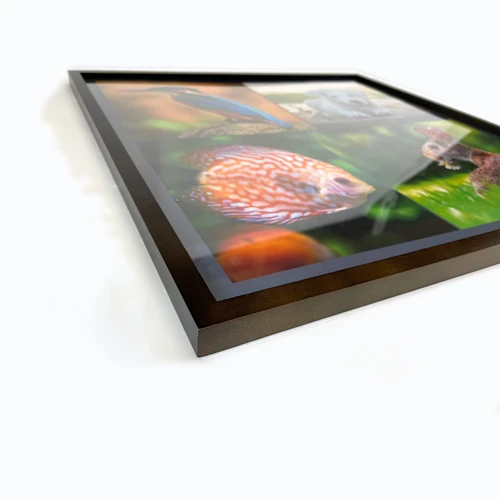
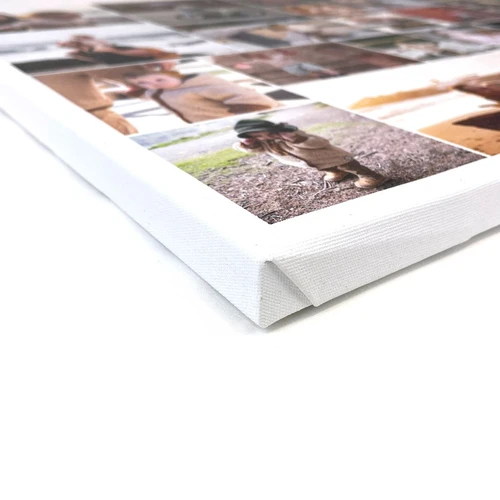
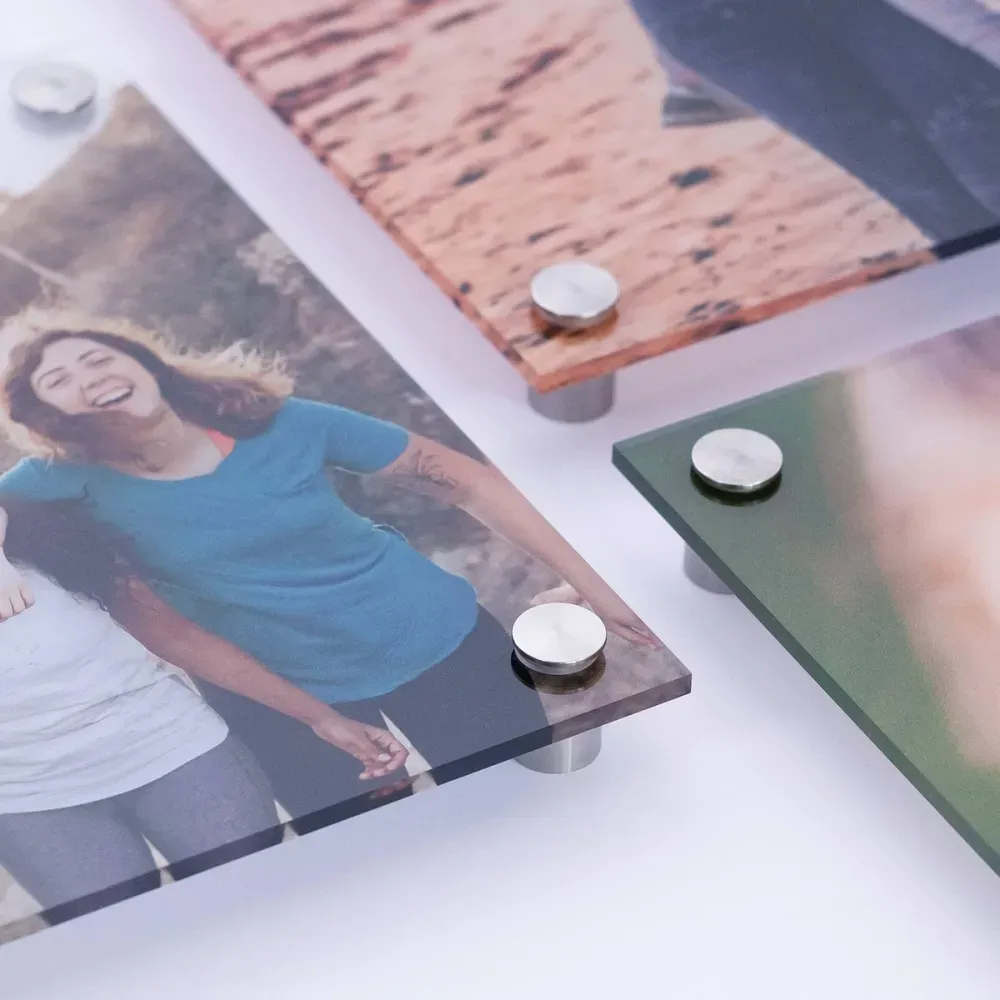
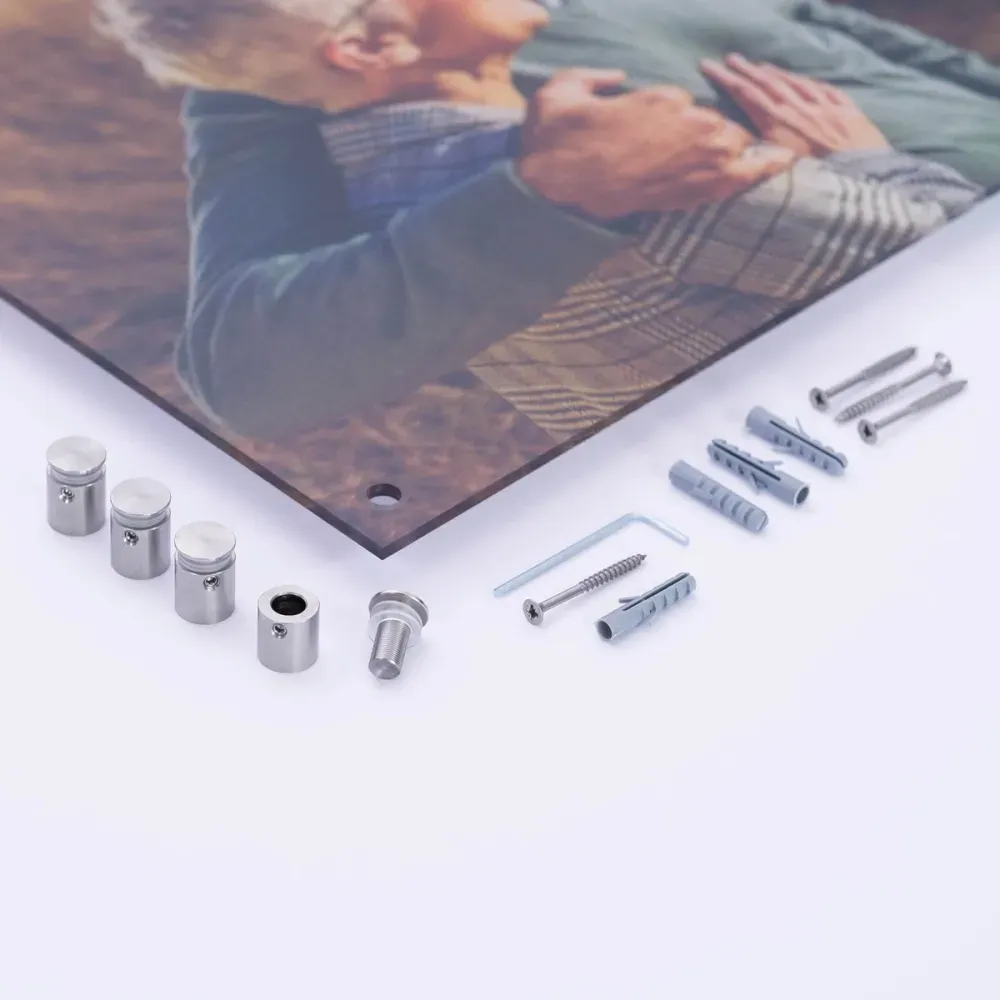
Now upload your favorite pictures and position them automatically using the configurator or manually. Finally, choose the perfect fit from various backgrounds and effects. Done! We print your collage in the highest image resolution on a range of materials such as canvas, poster, aluminum Dibond, or acrylic glass.
Helpful tips for faster editing
Creating photo collages with our tool is easy, but there are still a few things you should keep in mind.
Make a preselection of images
Our templates in the classic grid layout use the same format for all photos. This means all photos are either square, portrait, or landscape. So it’s a good idea to think in advance about which pictures you want to include in the collage. That makes it easier to choose a suitable layout, since not all photos can be cropped without compromise.
If you choose the “Standard” or “Shadow” image style, you can define the image format yourself. “Polaroid” and “Old Photos” use fixed formats that cannot be changed.
If you want to use photos with different formats in your collage, our freeform layout or rows templates are great alternatives.
When should you use which print orientation?
Would you like to print your collage in a square, portrait, or landscape format? Along with the right image format, the print orientation is also crucial for the final result. But when should you choose which orientation?
Automatic
If you choose the “automatic” print orientation, it adjusts itself based on the number of rows and columns.
Portrait, landscape, or square
Regardless of the number of rows and columns, the print orientation always stays the same.
The right print orientation depends on both the number of rows and columns and the format of your photos. Depending on which orientation you choose, different print sizes will also be available to you.
Try out different designs
It doesn’t always have to be the classic layout. If you want to give your photo collage an extraordinary retro look, try our Polaroid design. You can add individual captions to each Polaroid and turn the collage into a special gift. Whether for a birthday, as a guestbook for a wedding, or as a farewell gift for a colleague – everyone can leave a personal message for the recipient.
Ideas and inspiration for your photo collage
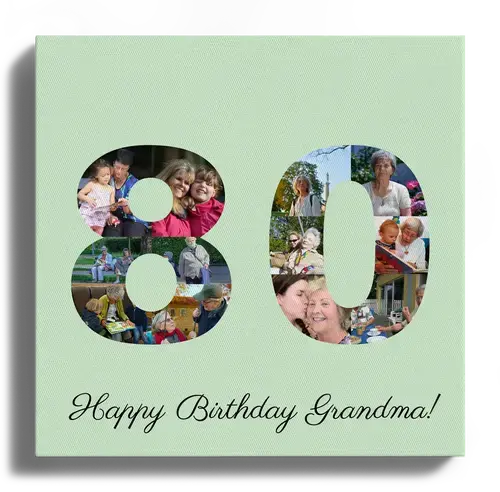
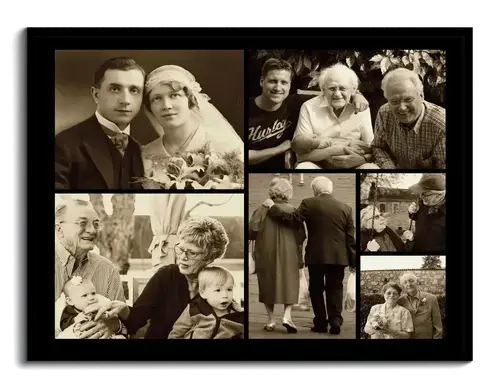
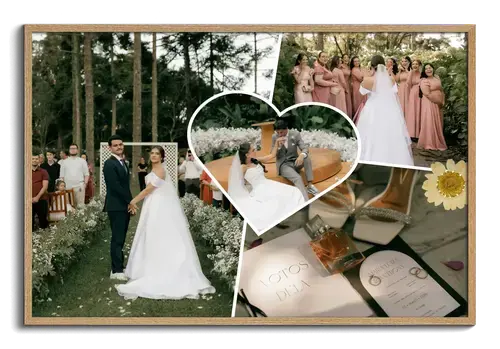
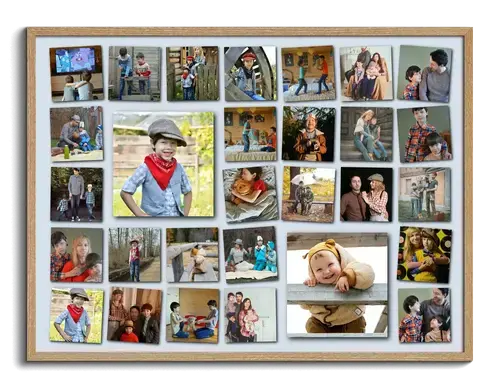
Still not sure how you want to design your collage? No problem. To make choosing easier, we’ve collected a selection of designs for inspiration. Our photo collages in the classic grid design are perfect for many different occasions. See something you like? With one click, you can open the corresponding template and customize it.
We have more great templates for you
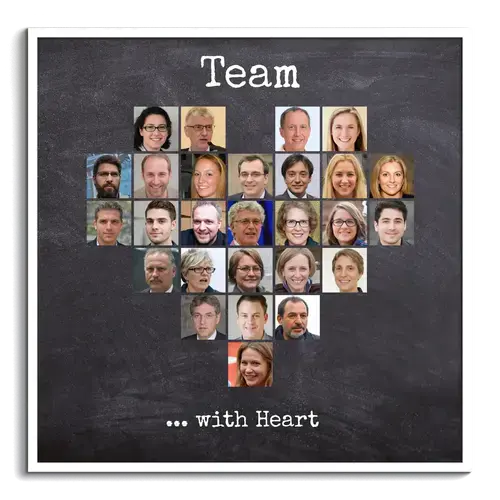
Have you discovered our other templates yet? For example, how about a heart made from your favorite pictures – the perfect photo gift for your loved ones!
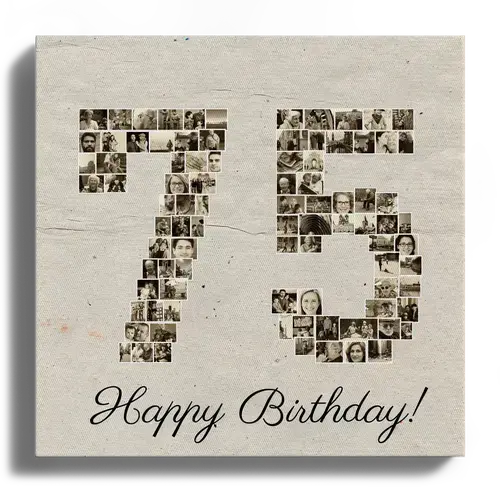



Customer Reviews
I was particularly pleased that my ordered item was delivered faster than originally indicated. That really made me happy!
I will gladly order here again.
I recommend for your future creations
Did You Know?
Our passion is photos and personalized print products. Check out our other creative gift ideas: